Hide section title on widgets
Removes the small PLAYLISTS or RECENTLY PLAYED header from those Home Screen widgets.
WhereSettings›Appearance & Language›Widgets›Hide section title on widgets
iPhoneiPadMacNot on Apple TVNot on Apple WatchDefault: Off
Where it is
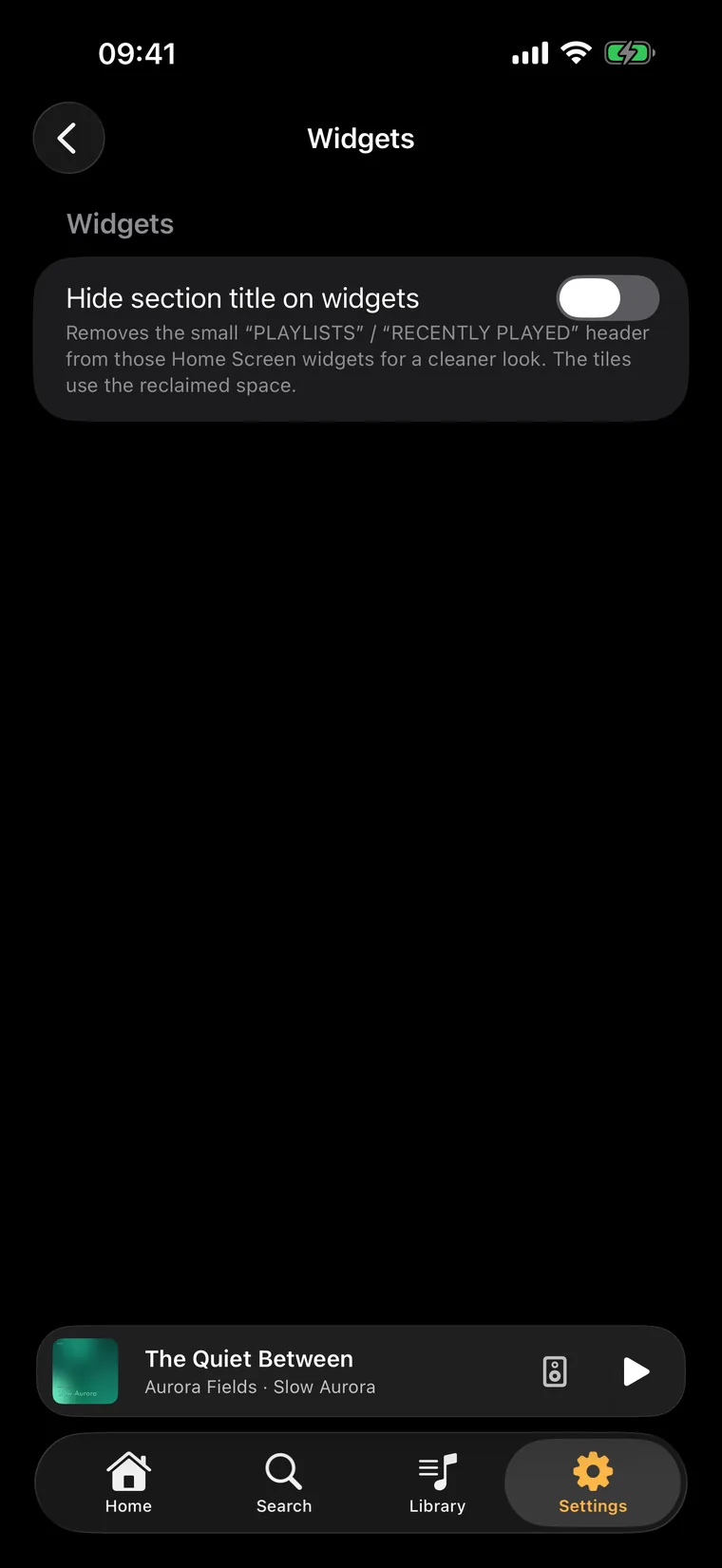
The highlighted row is Hide section title on widgets.
Screenshot from iPhone.
What it does
The widget looks cleaner, and the tiles use the space the header took.
How to change it
- Open Settings.
- Tap Appearance & Language.
- Tap Widgets.
- Find Hide section title on widgets and change it.
Checked against the app on 21 November 2026.