Cache size limit
How much space songs kept from streaming may use.
WhereSettings›Downloads & Storage›Cache size limit
iPhoneiPadMacNot on Apple TVNot on Apple WatchDefault: 5 GB
Where it is
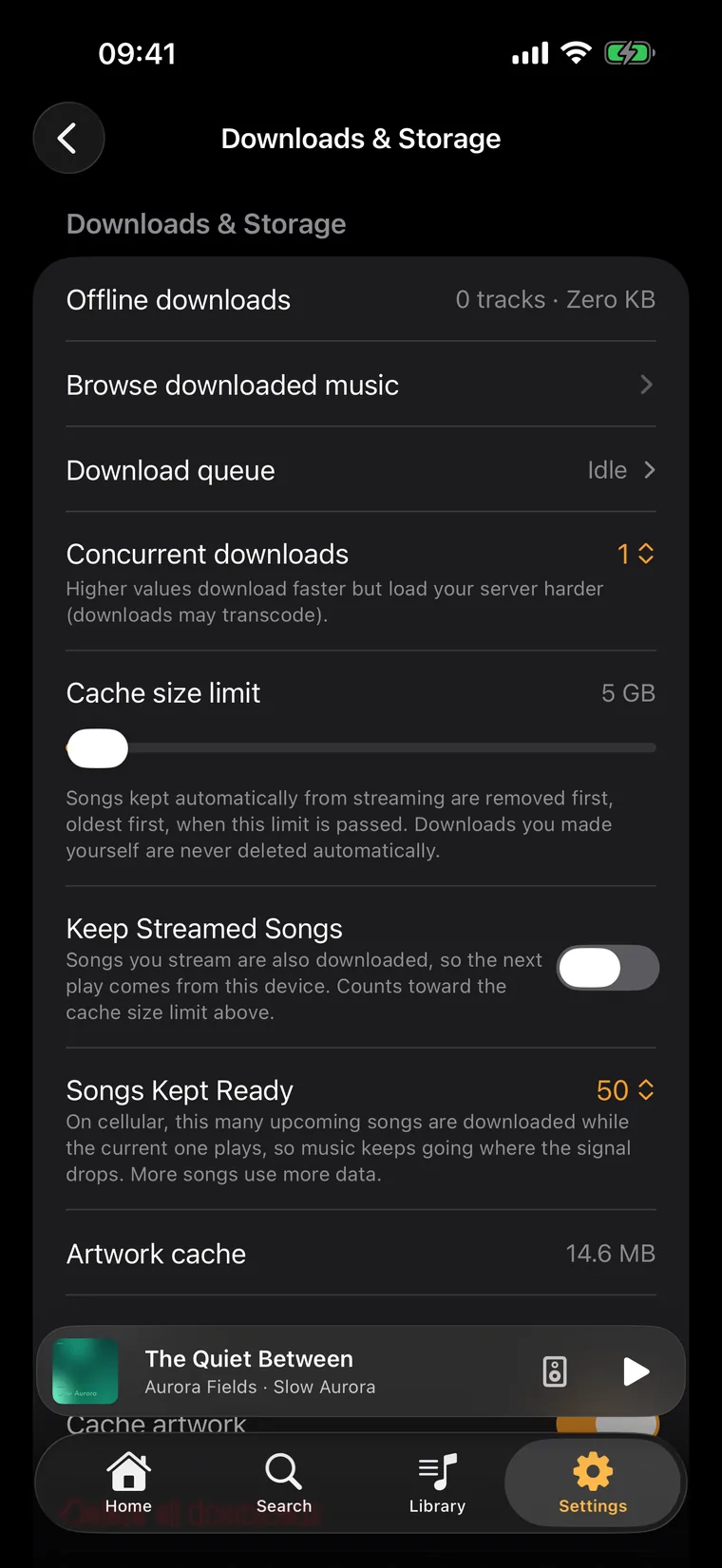
The highlighted row is Cache size limit.
Screenshot from iPhone.
What it does
When the limit is passed, songs kept automatically from streaming are removed first, oldest first. Downloads you made yourself are never deleted automatically.
How to change it
- Open Settings.
- Tap Downloads & Storage.
- Find Cache size limit and change it.
Good to know
- If your own downloads are already over the limit, Settings says so. Raise the limit or remove downloads by hand.
Checked against the app on 21 November 2026.