Find in Spotlight
Lets you find your music from Spotlight search on your device.
WhereSettings›Appearance & Language›Artists & Albums›Find in Spotlight
iPhoneiPadMacNot on Apple TVNot on Apple WatchDefault: Off
Where it is
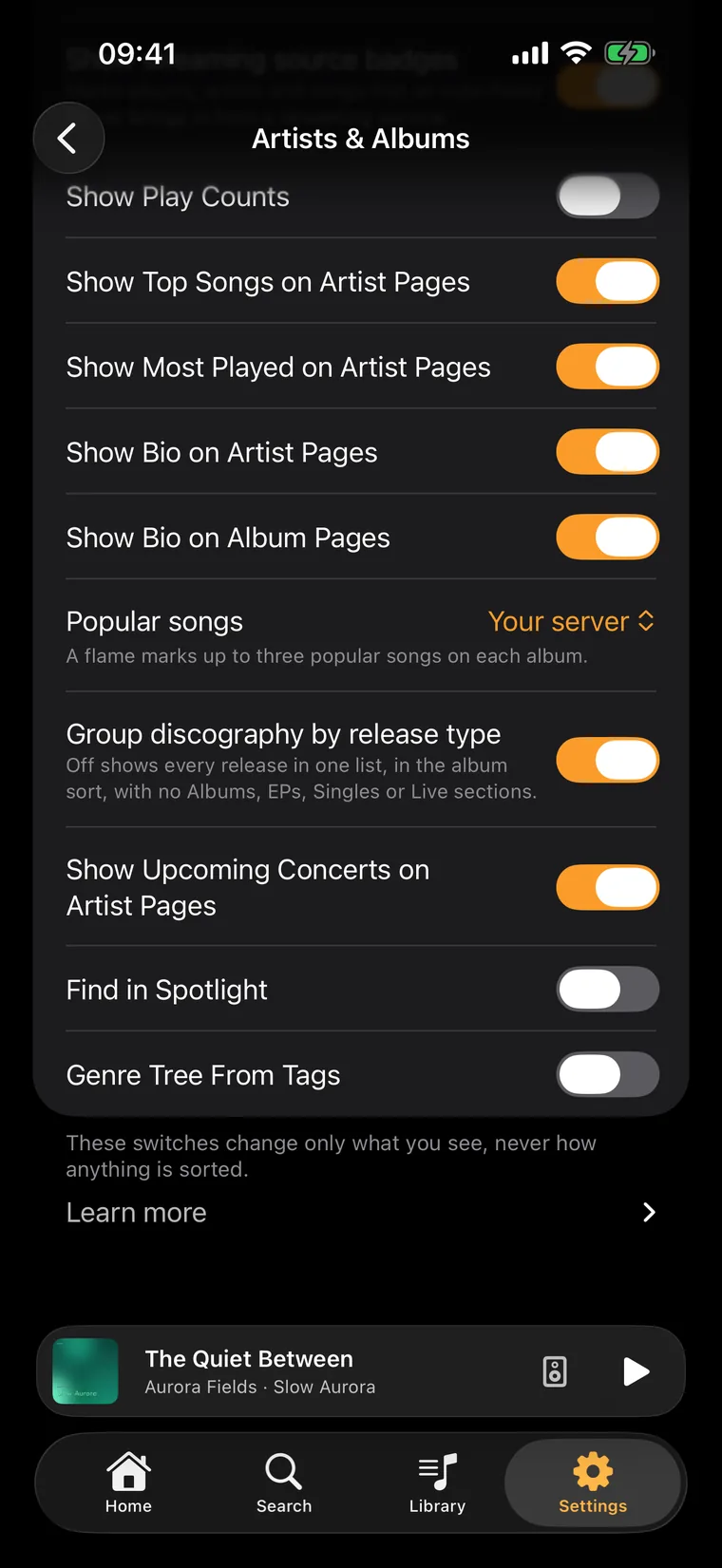
The highlighted row is Find in Spotlight.
Screenshot from iPhone.
What it does
Swipe down on the Home Screen, type an album or song, and NaviBeat results appear. Index picks what Spotlight learns: only your downloads, or your whole library.
How to change it
- Open Settings.
- Tap Appearance & Language.
- Tap Artists & Albums.
- Find Find in Spotlight and change it.
Checked against the app on 21 November 2026.