Songs Kept Ready
On cellular, downloads the next few songs while one plays, so music keeps going where the signal drops.
WhereSettings›Downloads & Storage›Songs Kept Ready
iPhoneiPadNot on MacNot on Apple TVNot on Apple WatchDefault: 2
Where it is
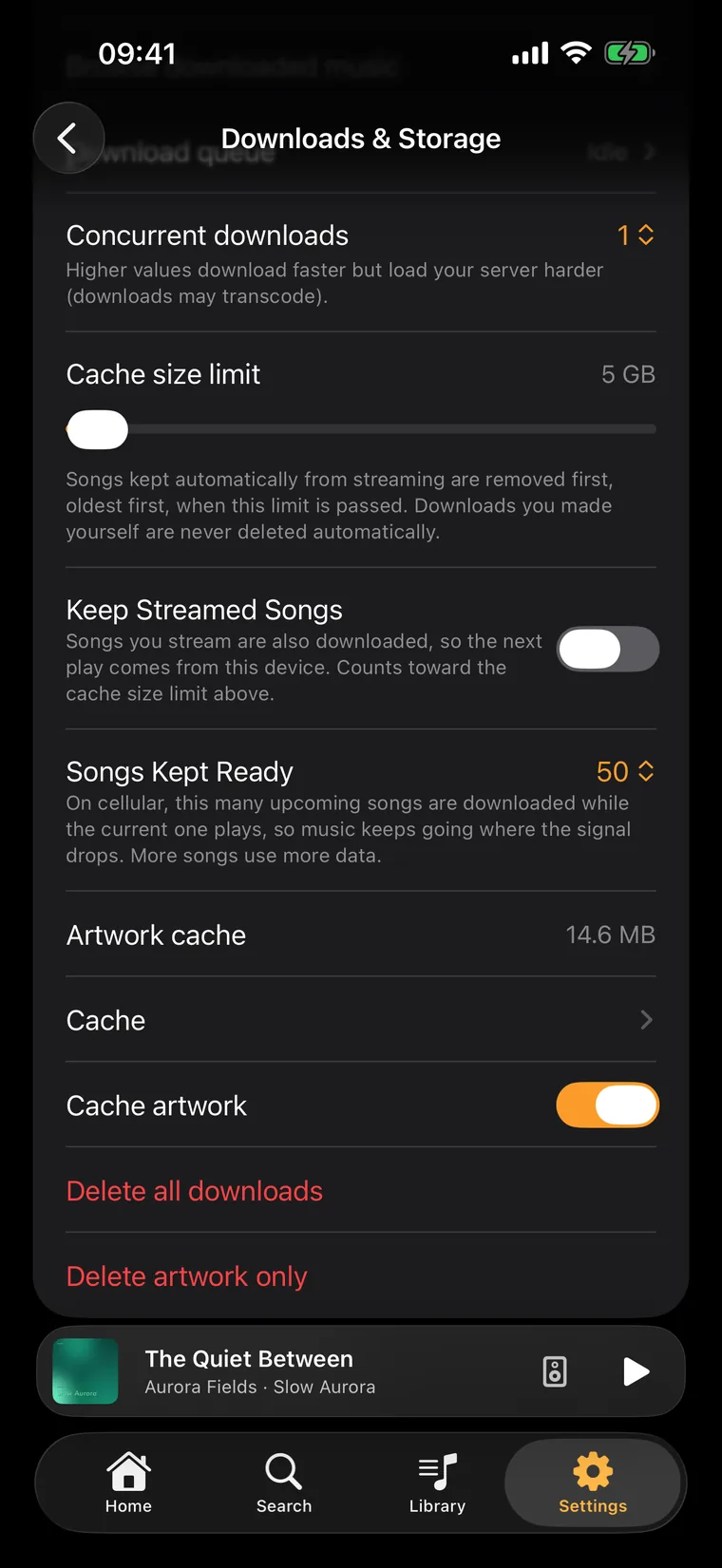
The highlighted row is Songs Kept Ready.
Screenshot from iPhone.
What it does
Pick 2, 3, 5, 10, 25 or 50 songs. More songs use more data.
How to change it
- Open Settings.
- Tap Downloads & Storage.
- Find Songs Kept Ready and change it.
Checked against the app on 21 November 2026.