Libraries
Picks which of your server's music libraries NaviBeat shows.
WhereSettings›Server & Library›Libraries
iPhoneiPadMacApple TVNot on Apple Watch
Where it is
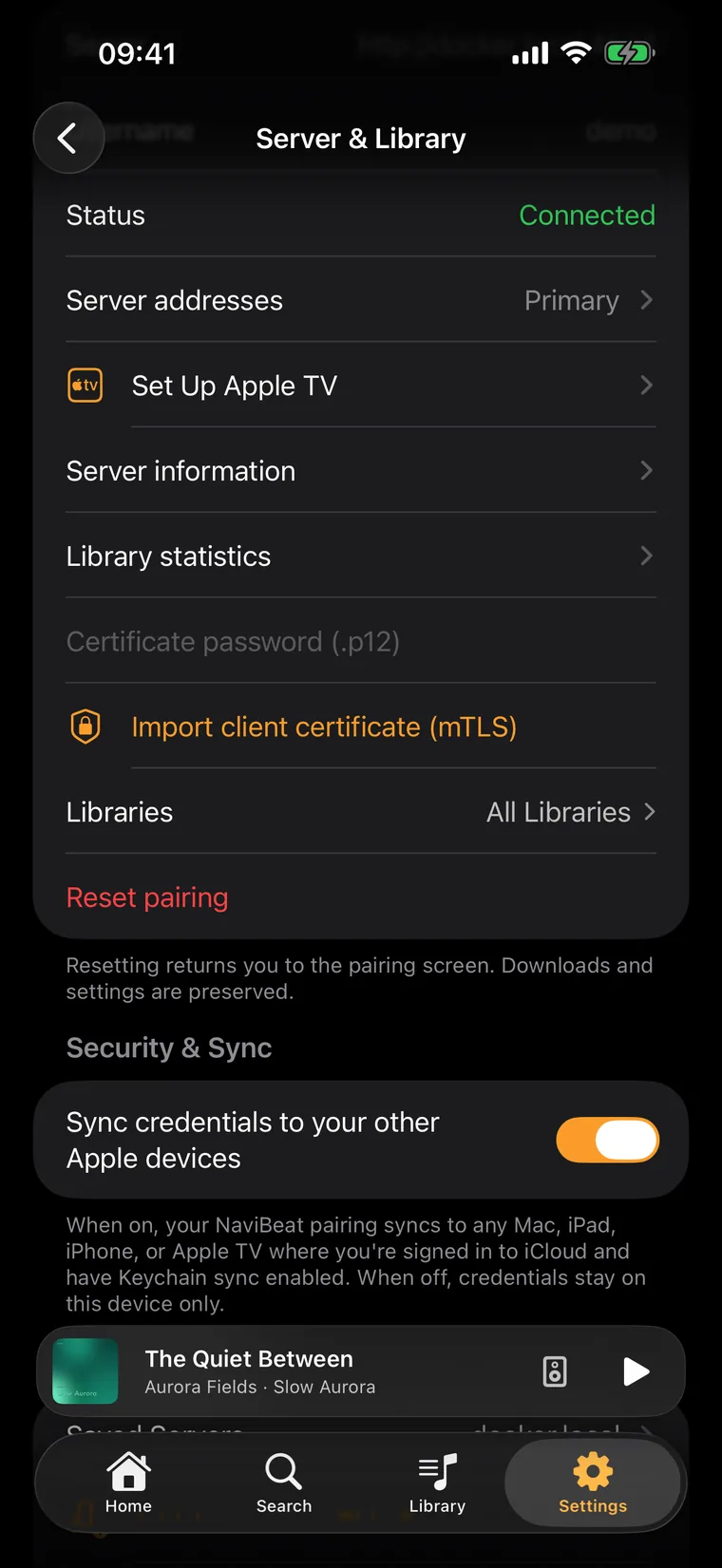
The highlighted row is Libraries.
Screenshot from iPhone.
What it does
If your Navidrome has more than one library, like Music and Audiobooks, choose the ones you want to browse. Settings shows the current choice.
How to change it
- Open Settings.
- Tap Server & Library.
- Find Libraries and change it.
Checked against the app on 21 November 2026.