Library Sync
Asks your Navidrome server to scan its music folders for new, changed or removed files.
WhereSettings›Server & Library›Library Sync
iPhoneiPadMacApple TVNot on Apple Watch
Where it is
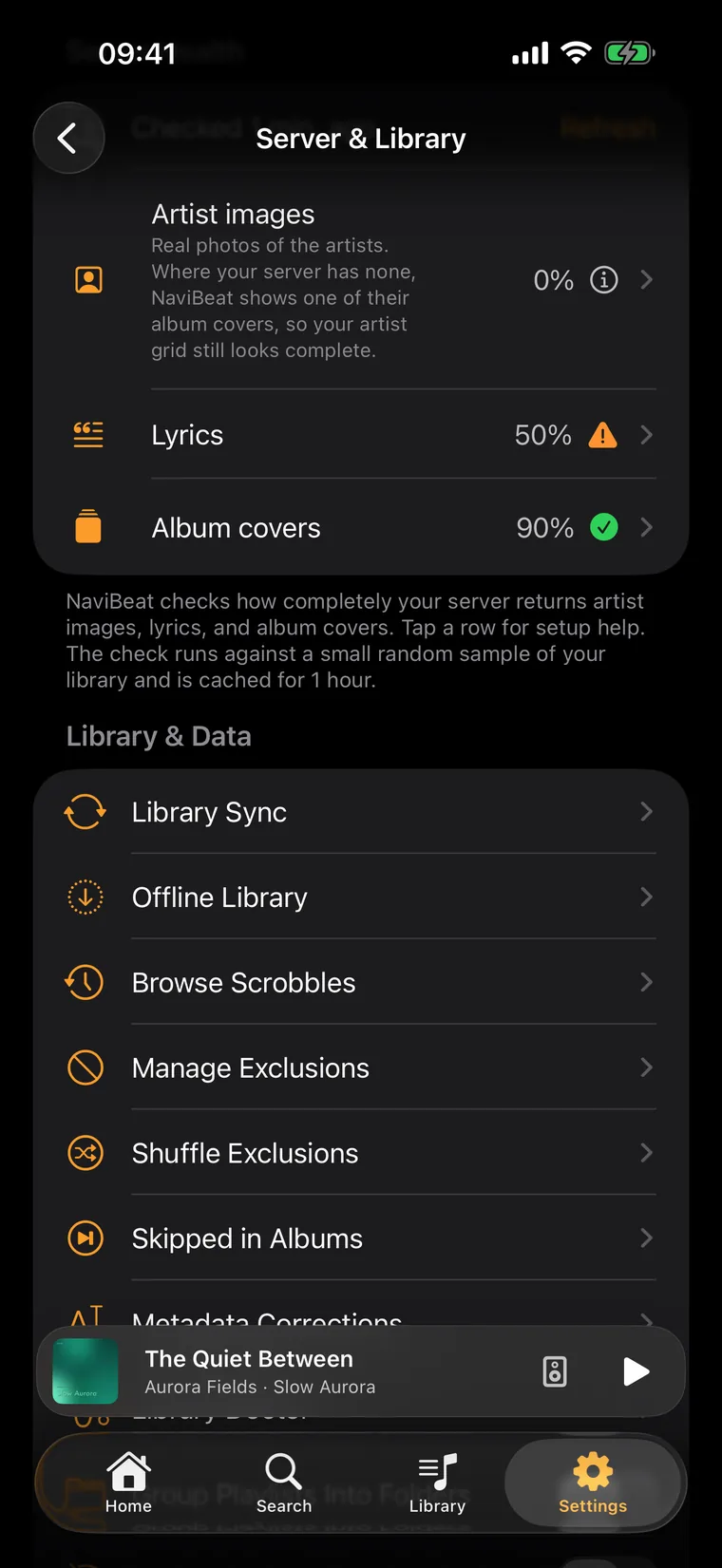
The highlighted row is Library Sync.
Screenshot from iPhone.
What it does
Quick Sync picks up new and changed files. Full Sync re-reads the whole library and is slower.
How to change it
- Open Settings.
- Tap Server & Library.
- Find Library Sync and change it.
Good to know
- Starting a scan usually needs an admin account on the server.
Checked against the app on 20 November 2026.