Opens to
Where NaviBeat starts when your car connects to CarPlay.
WhereSettings›Devices›Opens to
iPhoneiPadNot on MacNot on Apple TVNot on Apple WatchDefault: Home
Where it is
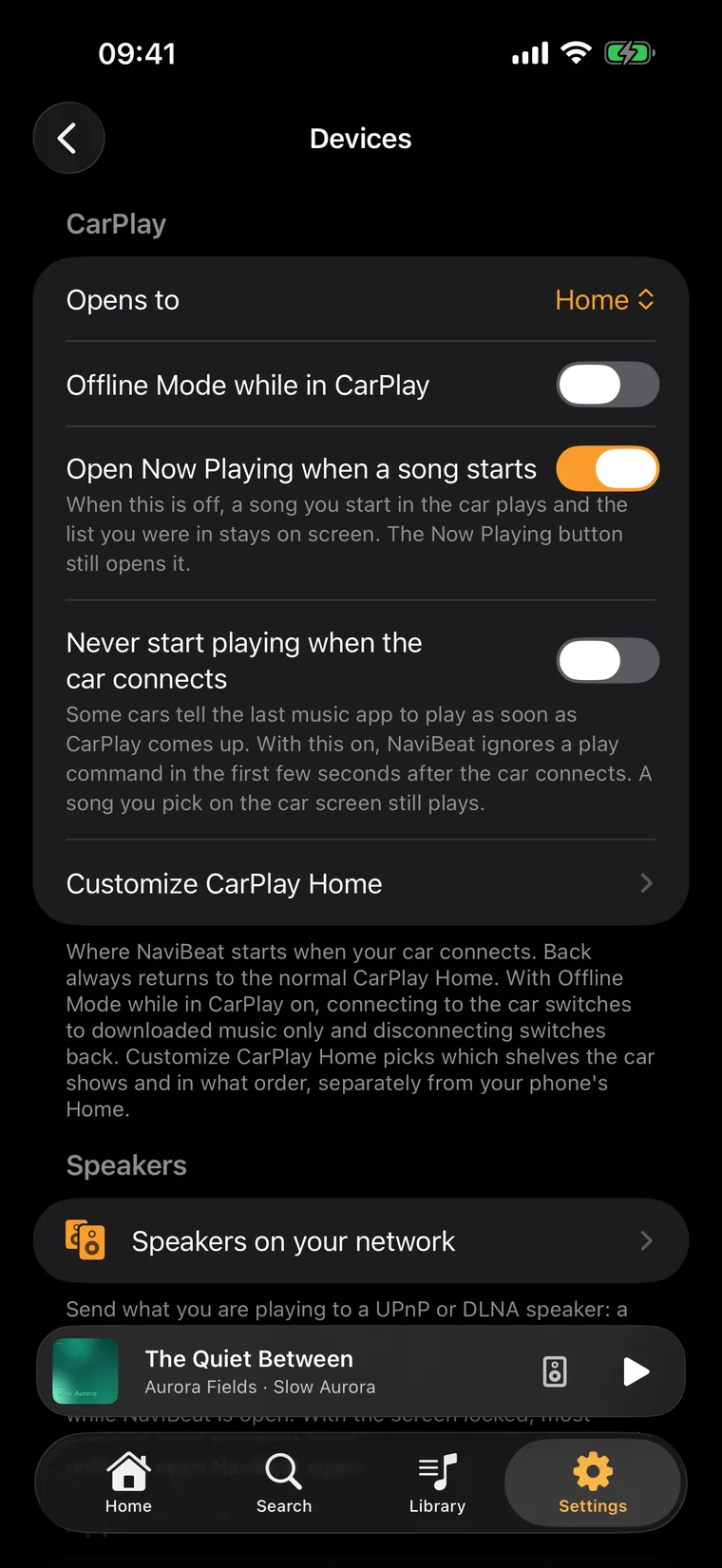
The highlighted row is Opens to.
Screenshot from iPhone.
What it does
Pick Home, your favorite artists, albums or songs, all artists, all albums, or downloads. Back always returns to the normal CarPlay Home.
How to change it
- Open Settings.
- Tap Devices.
- Find Opens to and change it.
Checked against the app on 21 November 2026.