Export Settings…
Saves all your NaviBeat settings to a file, as a backup.
WhereSettings›About›Export Settings…
iPhoneiPadMacNot on Apple TVNot on Apple Watch
Where it is
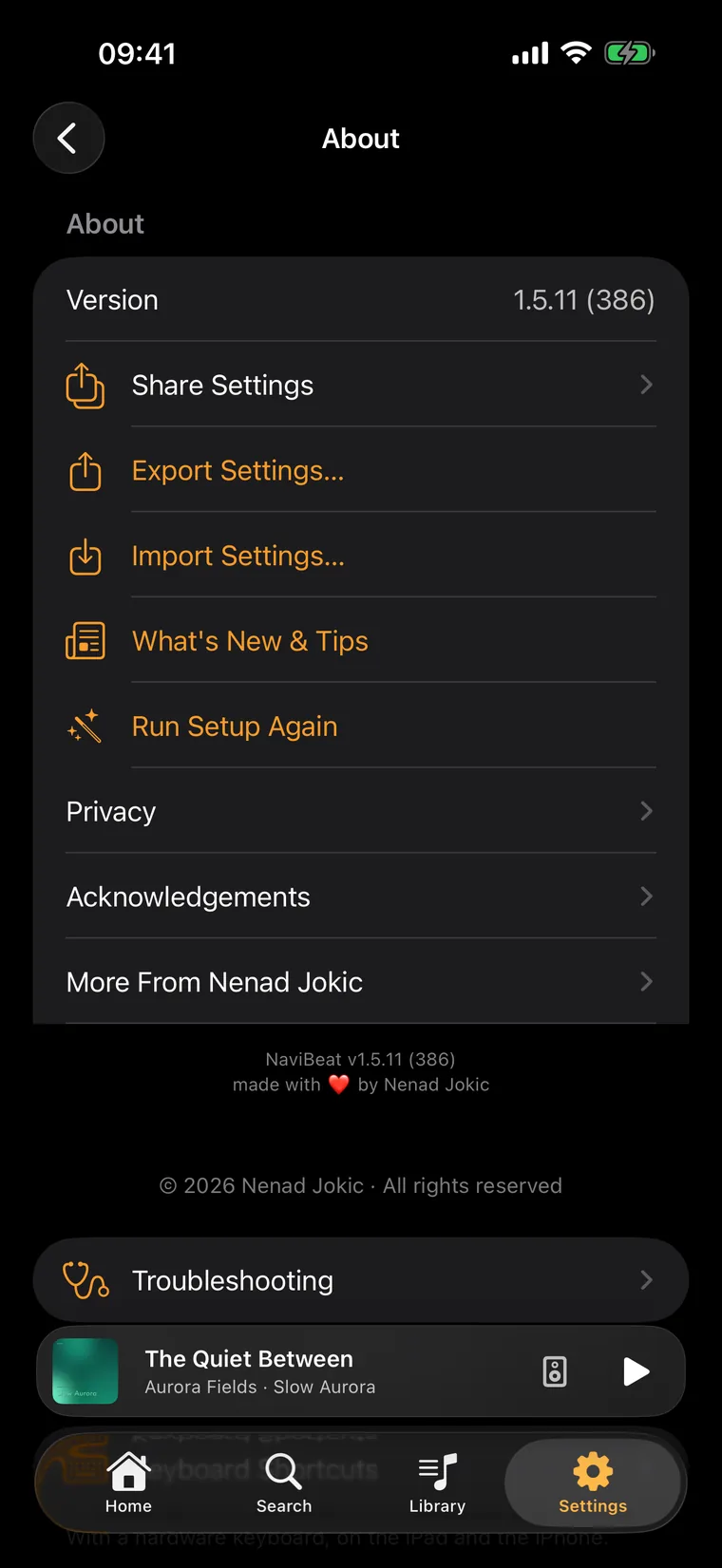
The highlighted row is Export Settings….
Screenshot from iPhone.
What it does
Keep the file somewhere safe, and use Import Settings… to restore it later. Servers, accounts and downloads are not part of a backup.
How to change it
- Open Settings.
- Tap About.
- Find Export Settings… and change it.
Checked against the app on 21 November 2026.