Submit play history to server
Sends the songs you play to your Navidrome server, which counts them and can pass them on to Last.fm or ListenBrainz.
WhereSettings›Playback & Audio›Quality & Streaming›Submit play history to server
iPhoneiPadMacNot on Apple TVNot on Apple WatchDefault: On
Where it is
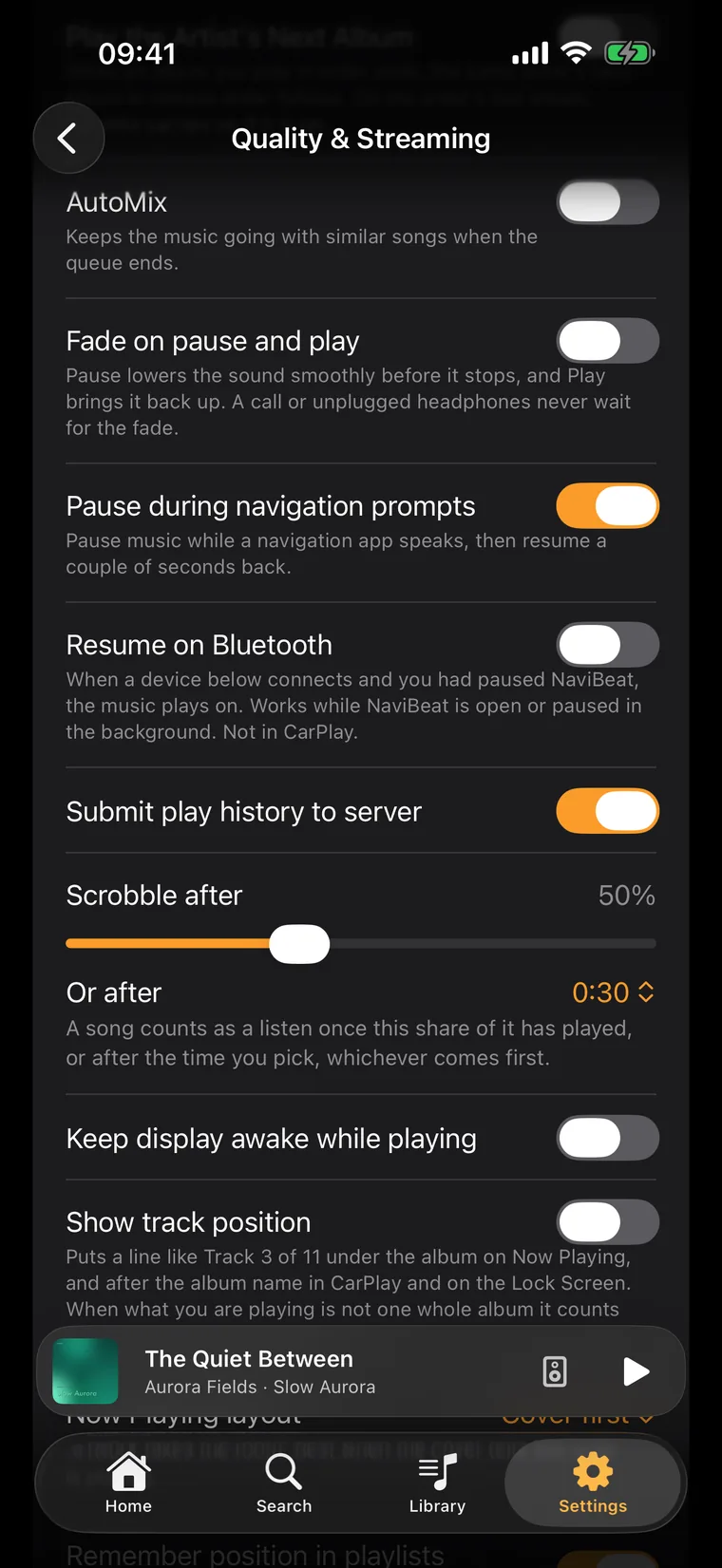
The highlighted row is Submit play history to server.
Screenshot from iPhone.
What it does
With this on, every song you play is reported to your server. Navidrome uses it for play counts and Recently Played, and if you set up scrobbling in Navidrome, it forwards your plays from there. NaviBeat never scrobbles to Last.fm by itself.
How to change it
- Open Settings.
- Tap Playback & Audio.
- Tap Quality & Streaming.
- Find Submit play history to server and change it.
Checked against the app on 21 November 2026.