Mode
How ReplayGain evens out loudness between songs: by track, by album, or automatically.
WhereSettings›Playback & Audio›Equalizer & Effects›Mode
iPhoneiPadMacApple TVNot on Apple Watch
Where it is
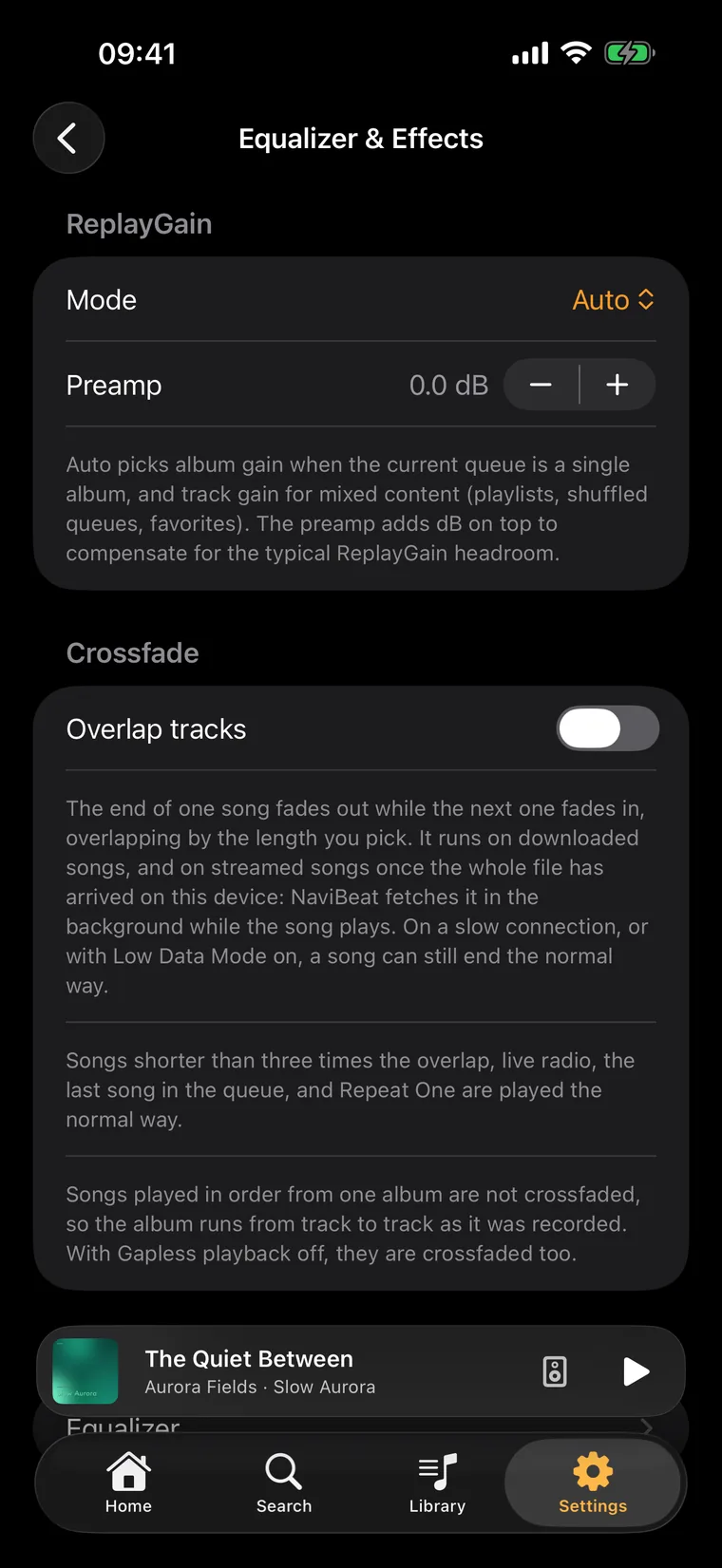
The highlighted row is Mode.
Screenshot from iPhone.
What it does
ReplayGain reads the gain tags in your files and turns loud songs down and quiet songs up.
How to change it
- Open Settings.
- Tap Playback & Audio.
- Tap Equalizer & Effects.
- Find Mode and change it.
Options
| Option | What it does | Default |
|---|---|---|
| Off | Songs play at their own loudness. | |
| Auto | Album gain when the queue is one album, track gain for playlists, shuffle and favorites. | Yes |
| Track | Every song is levelled on its own. | |
| Album | An album keeps its loud and quiet songs as mastered. |
Good to know
- Songs without gain tags play as they are.
- Preamp adds a few dB on top.
Checked against the app on 20 November 2026.