Split On
How Genre Tree From Tags finds the levels in a genre tag.
WhereSettings›Appearance & Language›Artists & Albums›Split On
iPhoneiPadMacNot on Apple TVNot on Apple Watch
Where it is
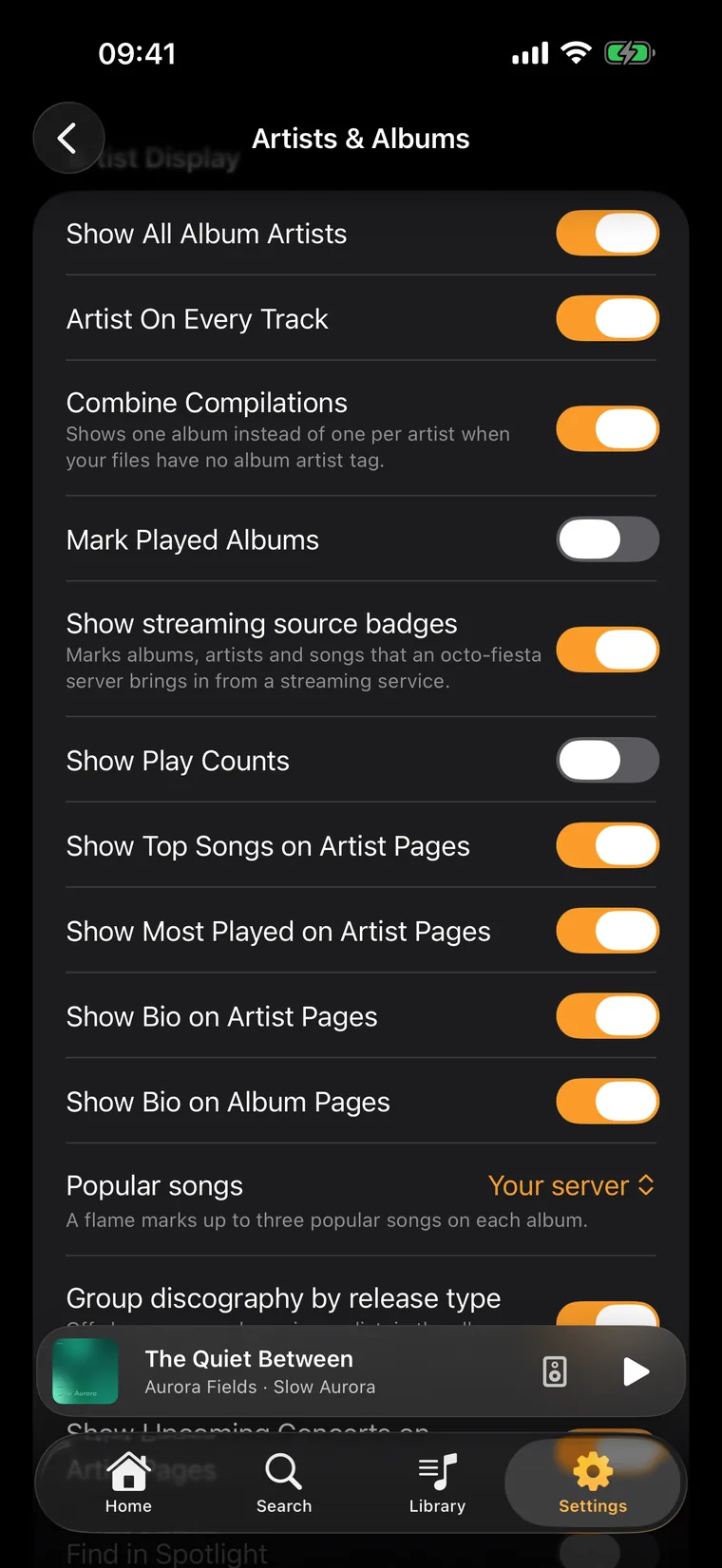
Screenshot from iPhone.
How to change it
- Open Settings.
- Tap Appearance & Language.
- Tap Artists & Albums.
- Find Split On and change it.
Options
| Option | What it does | Default |
|---|---|---|
| Separator | Splits on the separator you type, like a dash. | Yes |
| Symbols | Reads symbols that start each level, as in tags like ⚙ EM ⊛ CLUB. The symbols are left out of the names. |
Good to know
- Ordinary genre names are not changed either way.
Checked against the app on 21 November 2026.