Manage Exclusions
Stops an artist, album, genre or song from being reported to your server.
WhereSettings›Server & Library›Manage Exclusions
iPhoneiPadMacApple TVNot on Apple Watch
Where it is
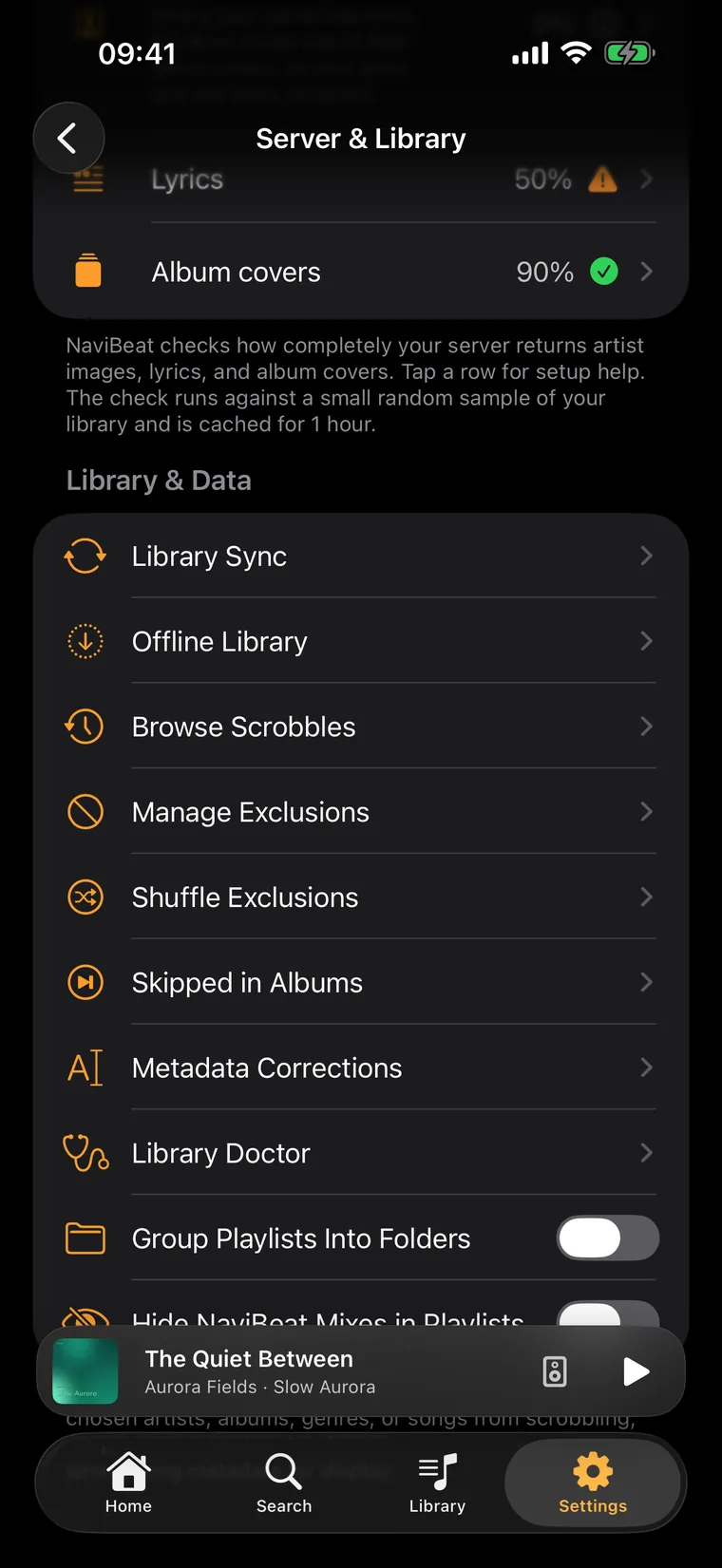
The highlighted row is Manage Exclusions.
Screenshot from iPhone.
What it does
Add what you do not want in your play history, like a sleep playlist or your kids' music. A genre exclusion covers every song tagged with it.
How to change it
- Open Settings.
- Tap Server & Library.
- Find Manage Exclusions and change it.
Checked against the app on 20 November 2026.