Song cover for compilation tracks
On a compilation, shows each song's own single or album cover from Last.fm.
WhereSettings›Appearance & Language›Now Playing›Song cover for compilation tracks
iPhoneiPadMacApple TVNot on Apple WatchDefault: Off
Where it is
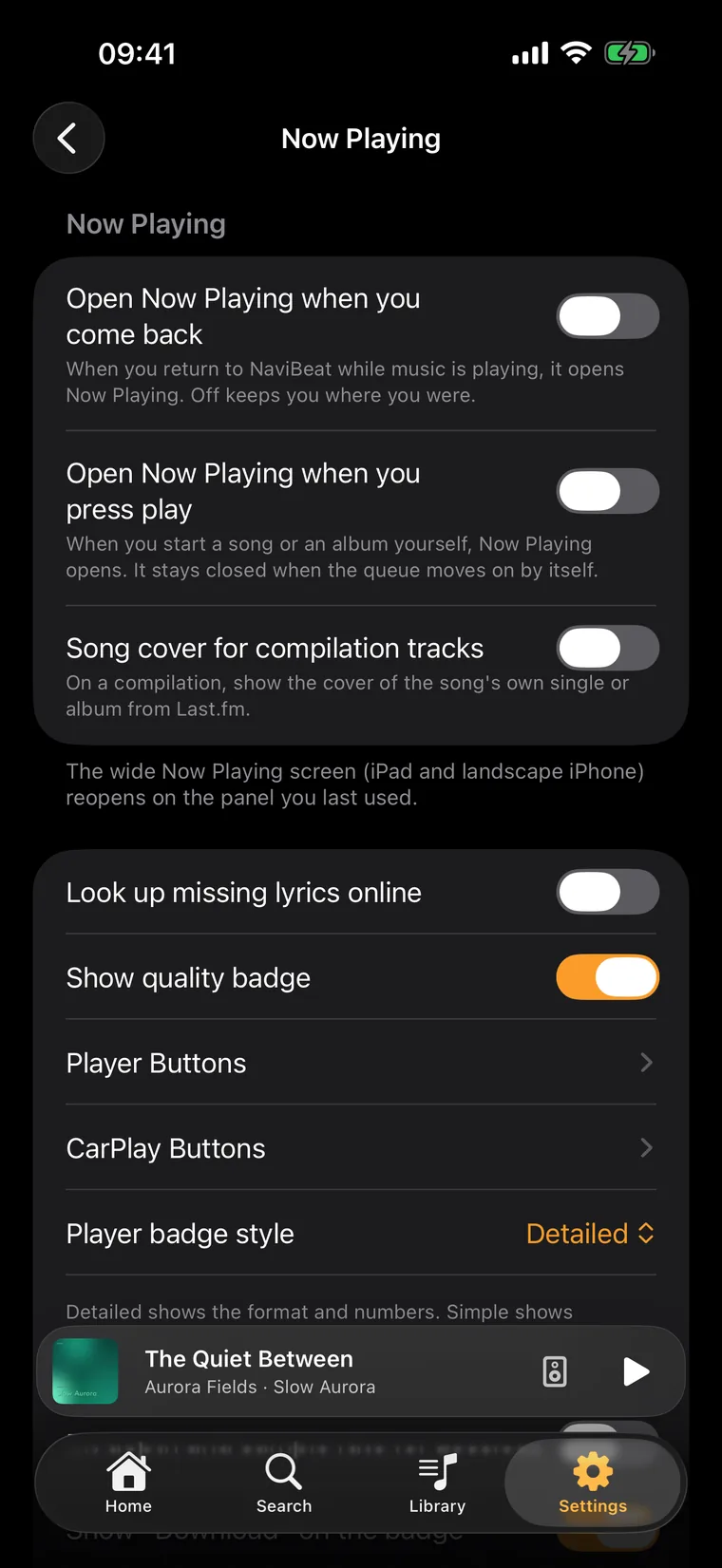
The highlighted row is Song cover for compilation tracks.
Screenshot from iPhone.
What it does
A compilation has one cover for every song. With this on, Now Playing shows the cover of the song's original single or album instead, from Last.fm.
How to change it
- Open Settings.
- Tap Appearance & Language.
- Tap Now Playing.
- Find Song cover for compilation tracks and change it.
Good to know
- Needs Last.fm connected.
Checked against the app on 21 November 2026.