Use my own server
Connects NaviBeat to your own ListenBrainz-compatible server instead of listenbrainz.org.
WhereSettings›Scrobbling & Stats›Use my own server
iPhoneiPadMacApple TVNot on Apple Watch
Where it is
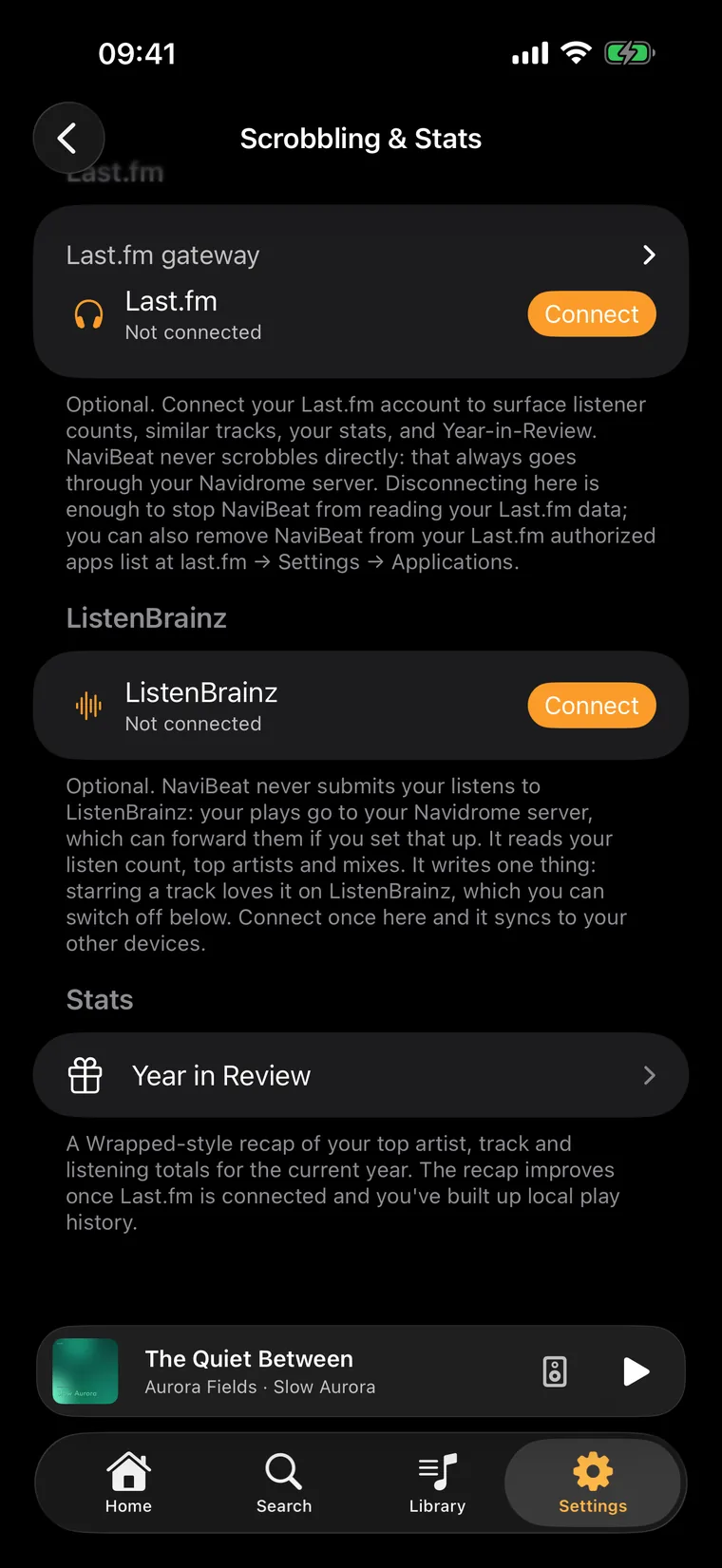
Screenshot from iPhone.
What it does
Type your server's name and address, then Connect. Similar artists from the ListenBrainz Labs service are not requested for a server you host yourself.
How to change it
- Open Settings.
- Tap Scrobbling & Stats.
- Find Use my own server and change it.
Checked against the app on 21 November 2026.