Keep classical works together when shuffling
Shuffle moves whole classical works, so a symphony is not scattered across the queue.
WhereSettings›Playback & Audio›Quality & Streaming›Keep classical works together when shuffling
iPhoneiPadMacNot on Apple TVNot on Apple WatchDefault: On
Where it is
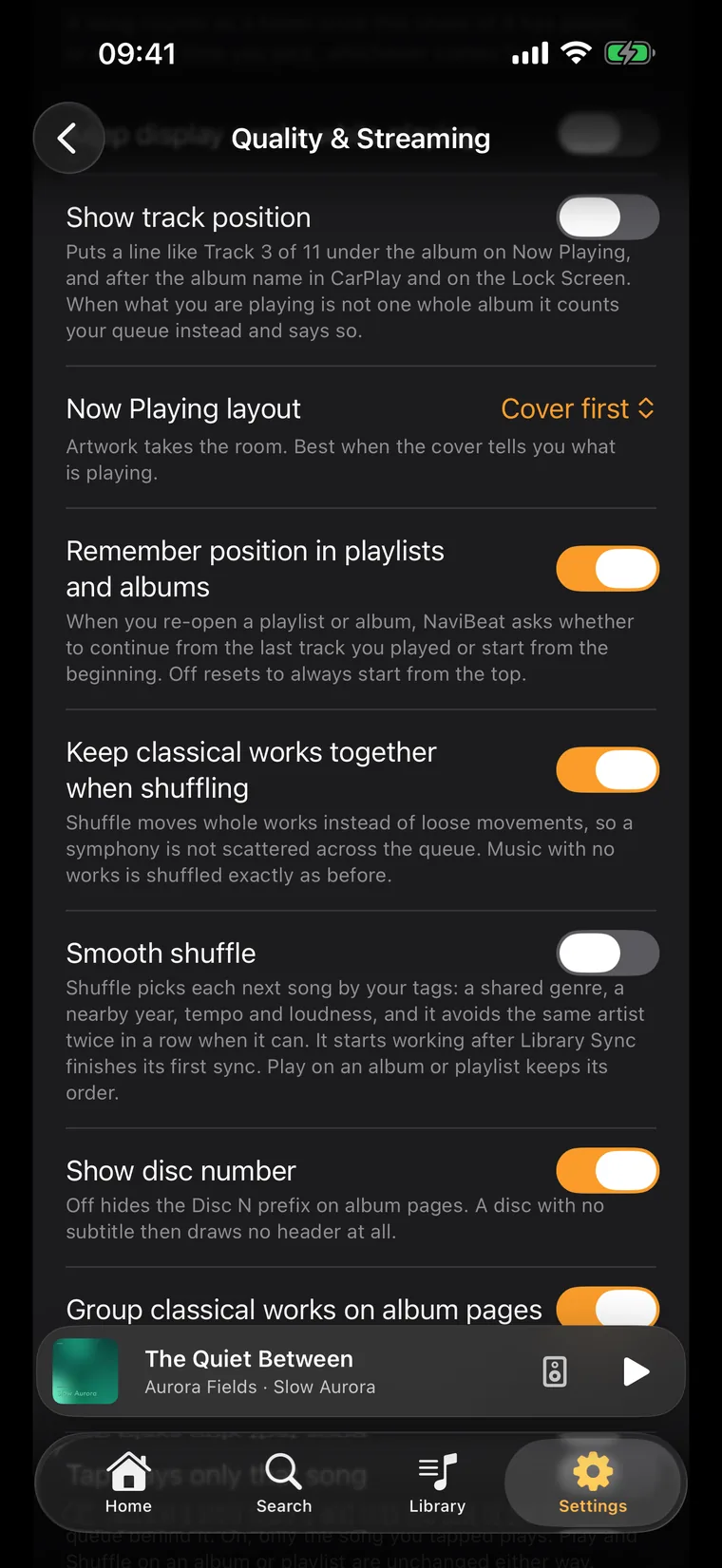
The highlighted row is Keep classical works together when shuffling.
Screenshot from iPhone.
What it does
With this on, Shuffle treats the movements of one work as a block and keeps them in order. Music with no works is shuffled as before.
How to change it
- Open Settings.
- Tap Playback & Audio.
- Tap Quality & Streaming.
- Find Keep classical works together when shuffling and change it.
Checked against the app on 21 November 2026.