Cache artwork
Keeps cover art on the device, so pages load faster and use less data.
WhereSettings›Downloads & Storage›Cache artwork
iPhoneiPadMacApple TVNot on Apple WatchDefault: On
Where it is
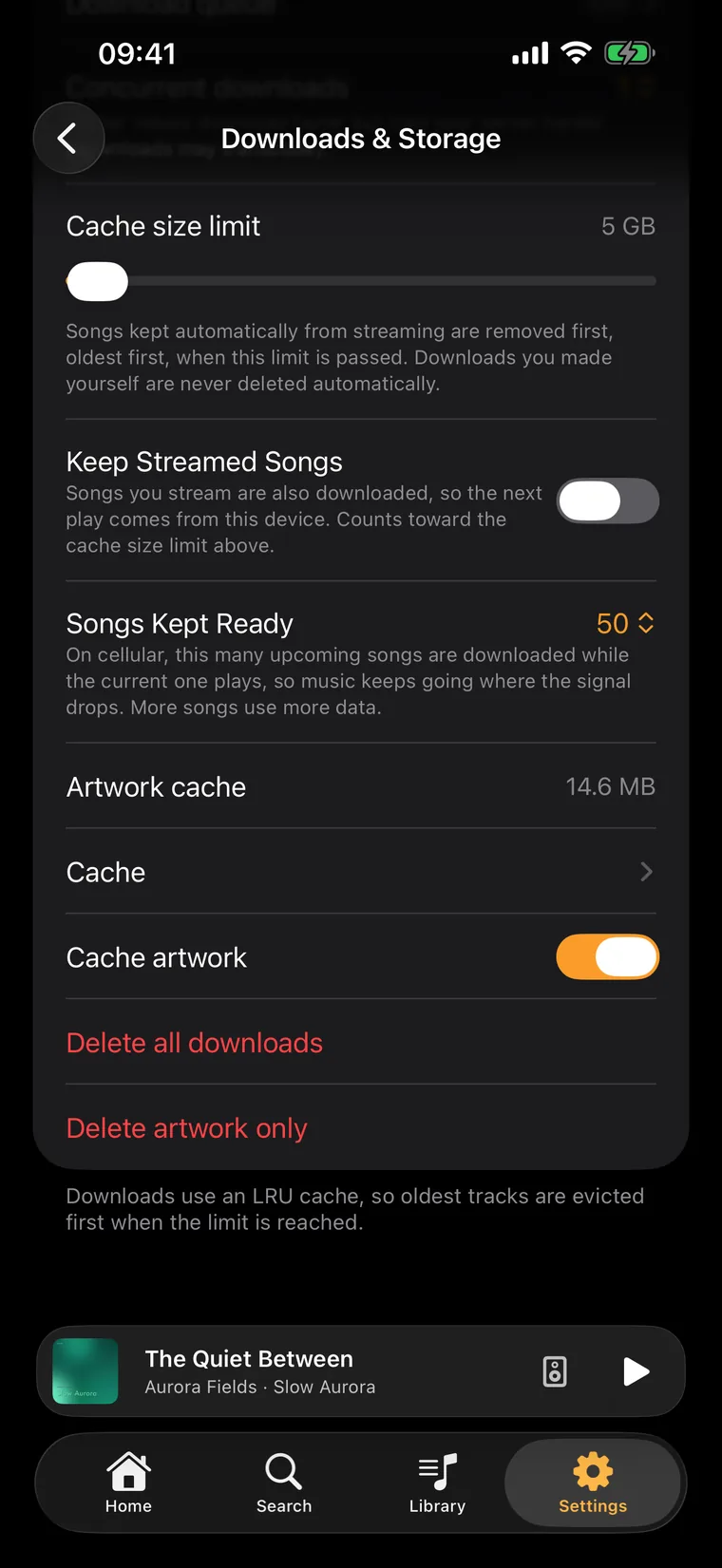
The highlighted row is Cache artwork.
Screenshot from iPhone.
How to change it
- Open Settings.
- Tap Downloads & Storage.
- Find Cache artwork and change it.
Checked against the app on 21 November 2026.