Download my music
Downloads your library to this device, so songs play without internet.
WhereSettings›Server & Library›Offline Library›Download my music
iPhoneiPadMacNot on Apple TVNot on Apple Watch
Where it is
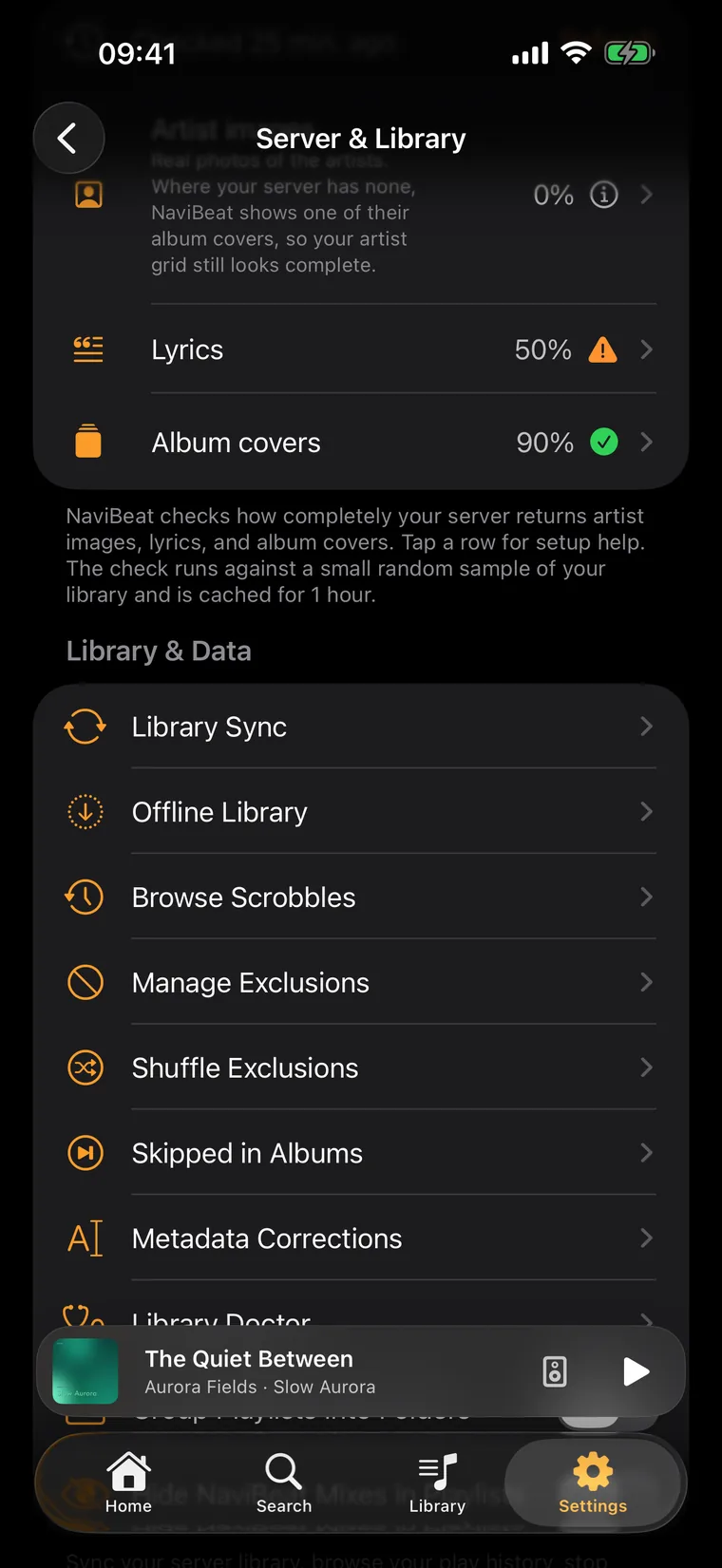
Screenshot from iPhone.
What it does
New albums on your server are downloaded on their own. Nothing is ever deleted: a song you downloaded yourself stays until you remove it.
Download new music now does one pass and stops. Download everything keeps going in batches until your whole library is here, and stops by itself if you leave Wi-Fi or run low on space.
How to change it
- Open Settings.
- Tap Server & Library.
- Tap Offline Library.
- Find Download my music and change it.
Options
| Option | What it does | Default |
|---|---|---|
| Check for new music | Only when I ask, or every time you open the app. | |
| Only on Wi-Fi | Music files wait for Wi-Fi. Cover art always waits for Wi-Fi. | |
| Keep free space | Stops before your device gets that close to full. | |
| Keep the screen on while downloading | Stops the screen from sleeping during a long download. |
Checked against the app on 20 November 2026.