Tap plays only that song
Tapping a song plays just that song, without the rest of the list behind it.
WhereSettings›Playback & Audio›Quality & Streaming›Tap plays only that song
iPhoneiPadMacNot on Apple TVNot on Apple WatchDefault: Off
Where it is
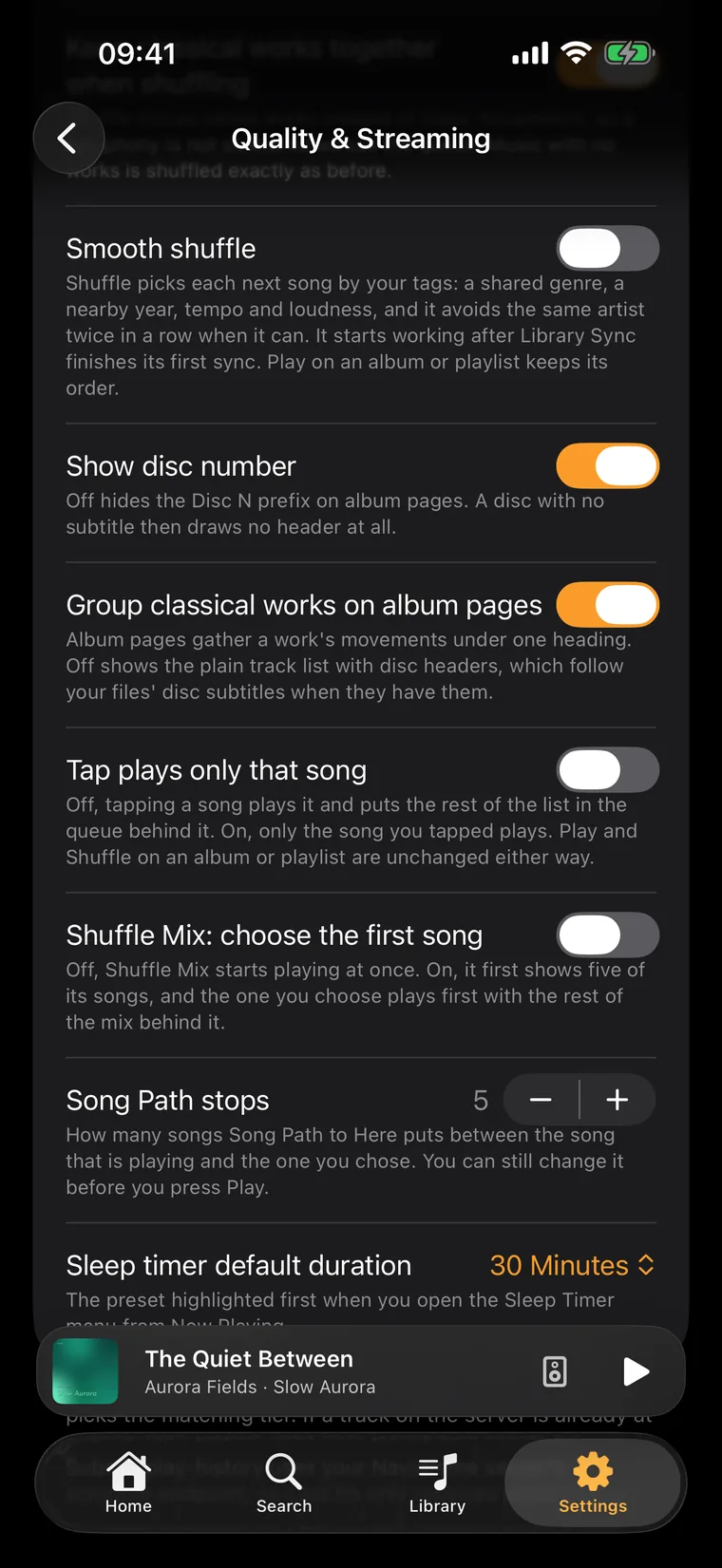
The highlighted row is Tap plays only that song.
Screenshot from iPhone.
What it does
Off, tapping a song plays it and puts the rest of the list in the queue behind it. On, only the song you tapped plays. Play and Shuffle on an album or playlist work the same either way.
How to change it
- Open Settings.
- Tap Playback & Audio.
- Tap Quality & Streaming.
- Find Tap plays only that song and change it.
Checked against the app on 21 November 2026.