Top tags on Artist pages
Shows up to 3 popular tags under the artist name.
WhereSettings›Scrobbling & Stats›Top tags on Artist pages
iPhoneiPadMacApple TVNot on Apple Watch
Where it is
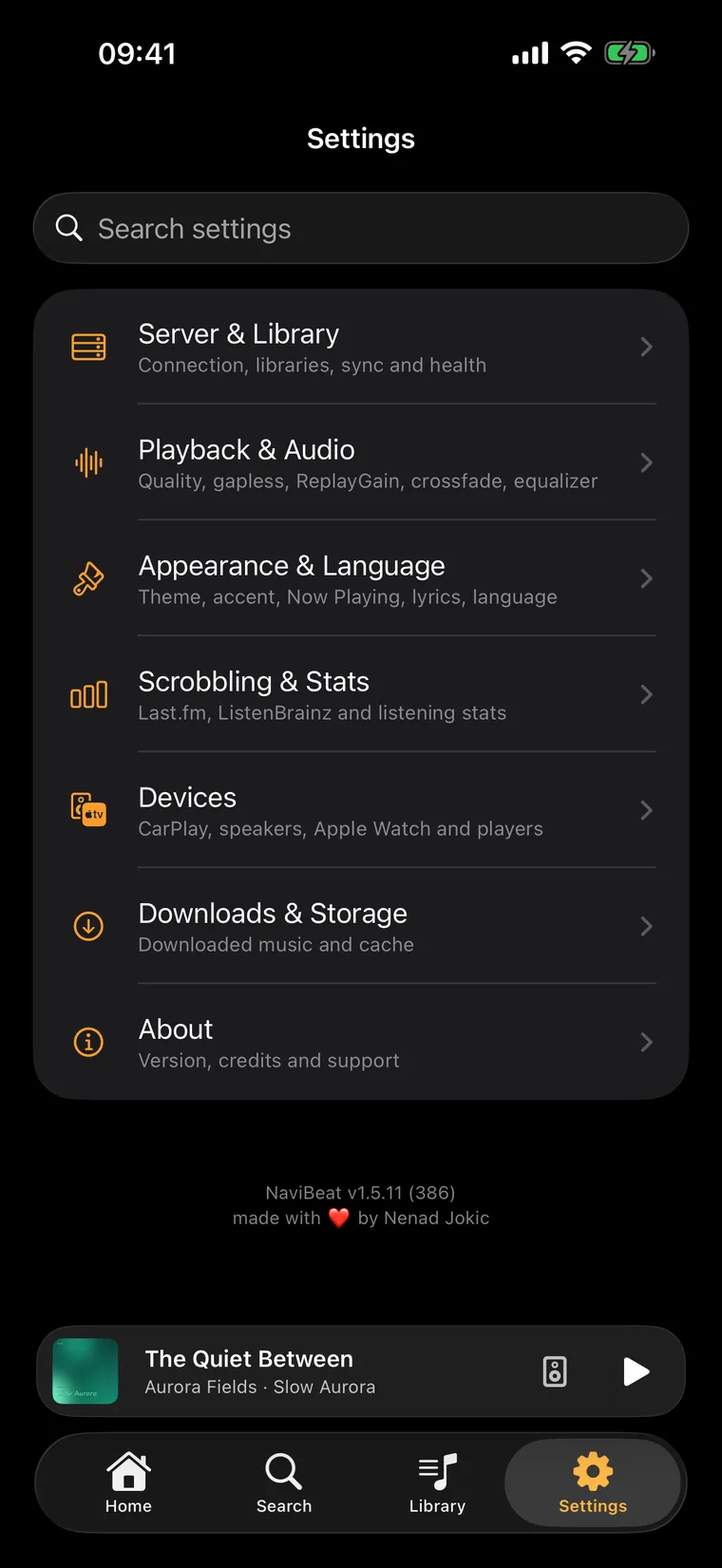
Screenshot from iPhone.
What it does
The tags come from Last.fm or ListenBrainz, whichever is connected.
How to change it
- Open Settings.
- Tap Scrobbling & Stats.
- Find Top tags on Artist pages and change it.
Checked against the app on 21 November 2026.