Offline Mode
Shows only the music you downloaded, and pauses streaming until you turn it off.
WhereSettings›Playback & Audio›Quality & Streaming›Offline Mode
iPhoneiPadMacNot on Apple TVApple WatchDefault: Off
Where it is
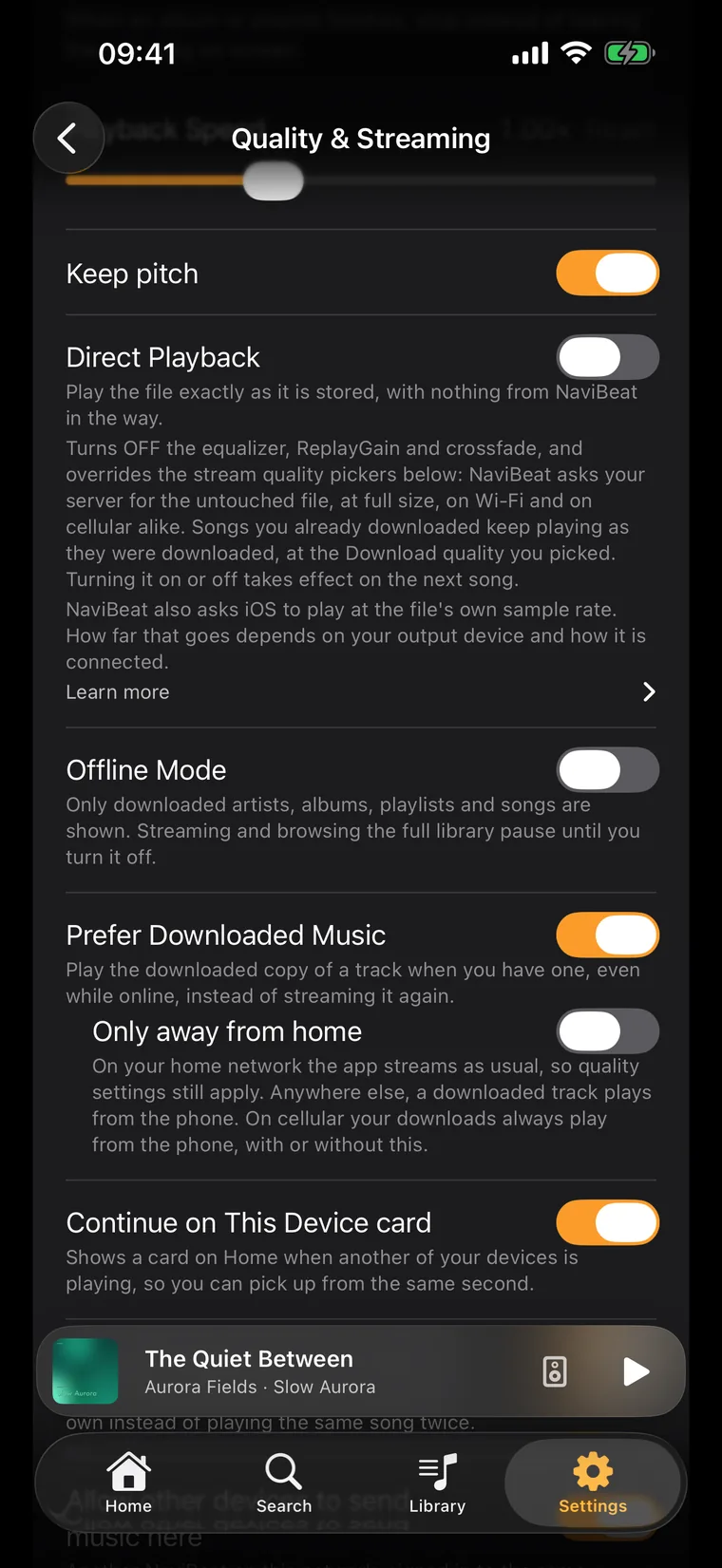
The highlighted row is Offline Mode.
Screenshot from iPhone.
What it does
Offline Mode limits NaviBeat to downloaded artists, albums, playlists and songs. Streaming and browsing the full library pause until you switch it off. Use it on a plane or anywhere the signal is poor.
How to change it
- Open Settings.
- Tap Playback & Audio.
- Tap Quality & Streaming.
- Find Offline Mode and change it.
Good to know
- On the Apple Watch, Offline Mode is a separate switch in the watch's own Settings.
- Offline Mode is also available as a Shortcuts action, so an automation can turn it on for you.
Checked against the app on 21 November 2026.