Index
What Find in Spotlight adds to Spotlight: your downloads only, or your whole library.
WhereSettings›Appearance & Language›Artists & Albums›Index
iPhoneiPadMacNot on Apple TVNot on Apple Watch
Where it is
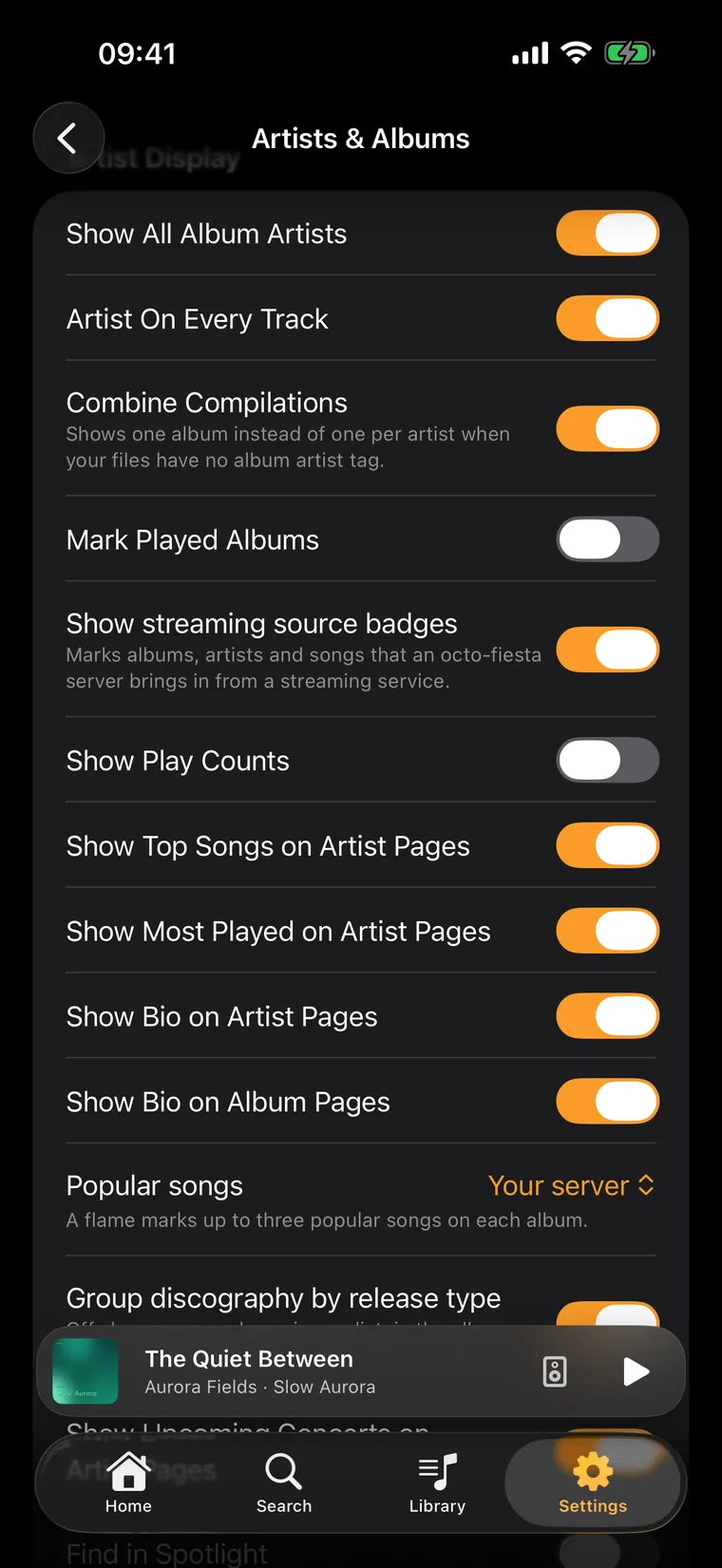
Screenshot from iPhone.
How to change it
- Open Settings.
- Tap Appearance & Language.
- Tap Artists & Albums.
- Find Index and change it.
Options
| Option | What it does | Default |
|---|---|---|
| Downloads only | Only downloaded music. | Yes |
| Whole library | Everything on your server. |
Good to know
- Shown once Find in Spotlight is on.
Checked against the app on 21 November 2026.