Add current device
Adds the headphones or speaker connected right now to the Resume on Bluetooth list.
WhereSettings›Playback & Audio›Quality & Streaming›Resume on Bluetooth›Add current device
iPhoneiPadNot on MacNot on Apple TVNot on Apple Watch
Where it is
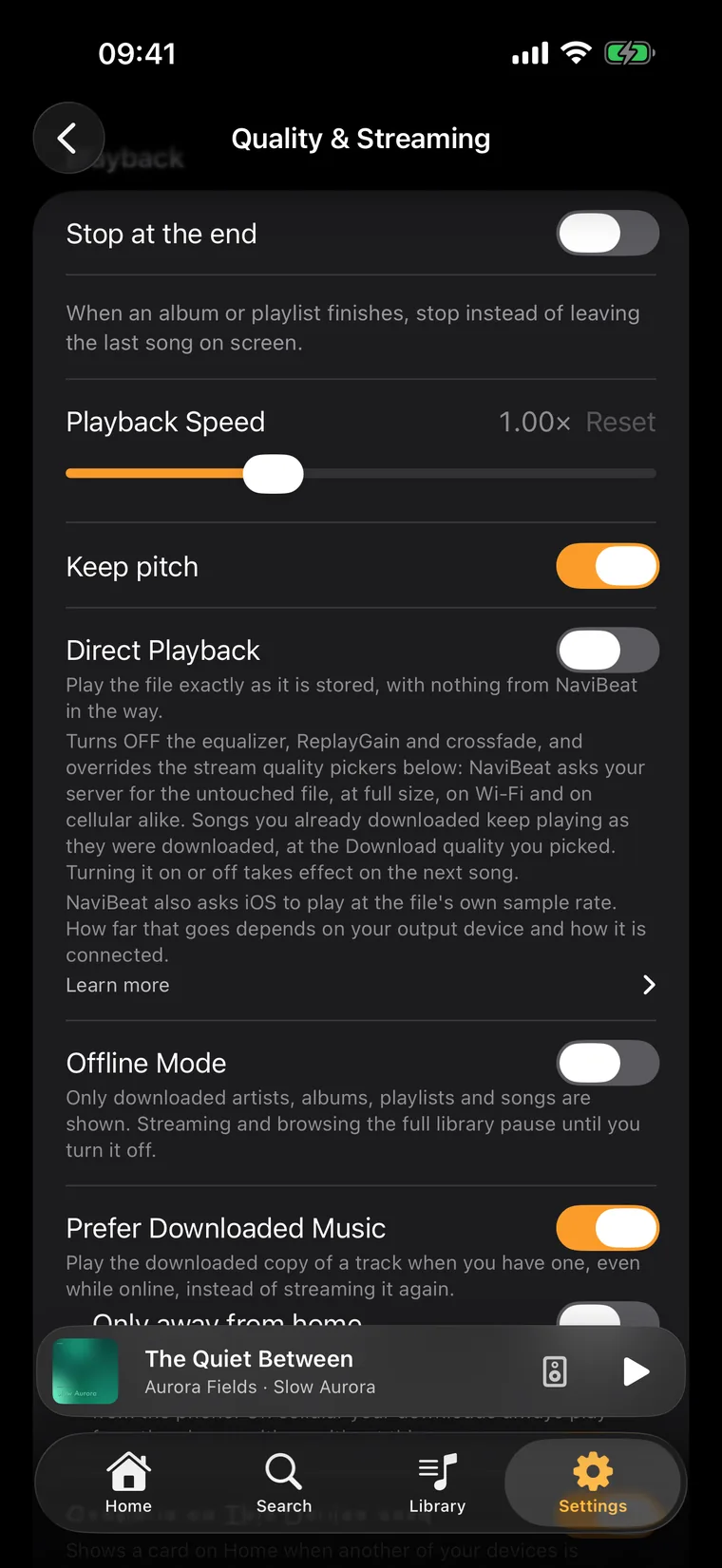
Screenshot from iPhone.
What it does
Connect the device first, then tap Add current device. Settings shows its name under the button. Each remembered device has a Remove button.
How to change it
- Open Settings.
- Tap Playback & Audio.
- Tap Quality & Streaming.
- Tap Resume on Bluetooth.
- Find Add current device and change it.
Checked against the app on 20 November 2026.