Import Settings…
Restores your settings from a backup file.
WhereSettings›About›Import Settings…
iPhoneiPadMacNot on Apple TVNot on Apple Watch
Where it is
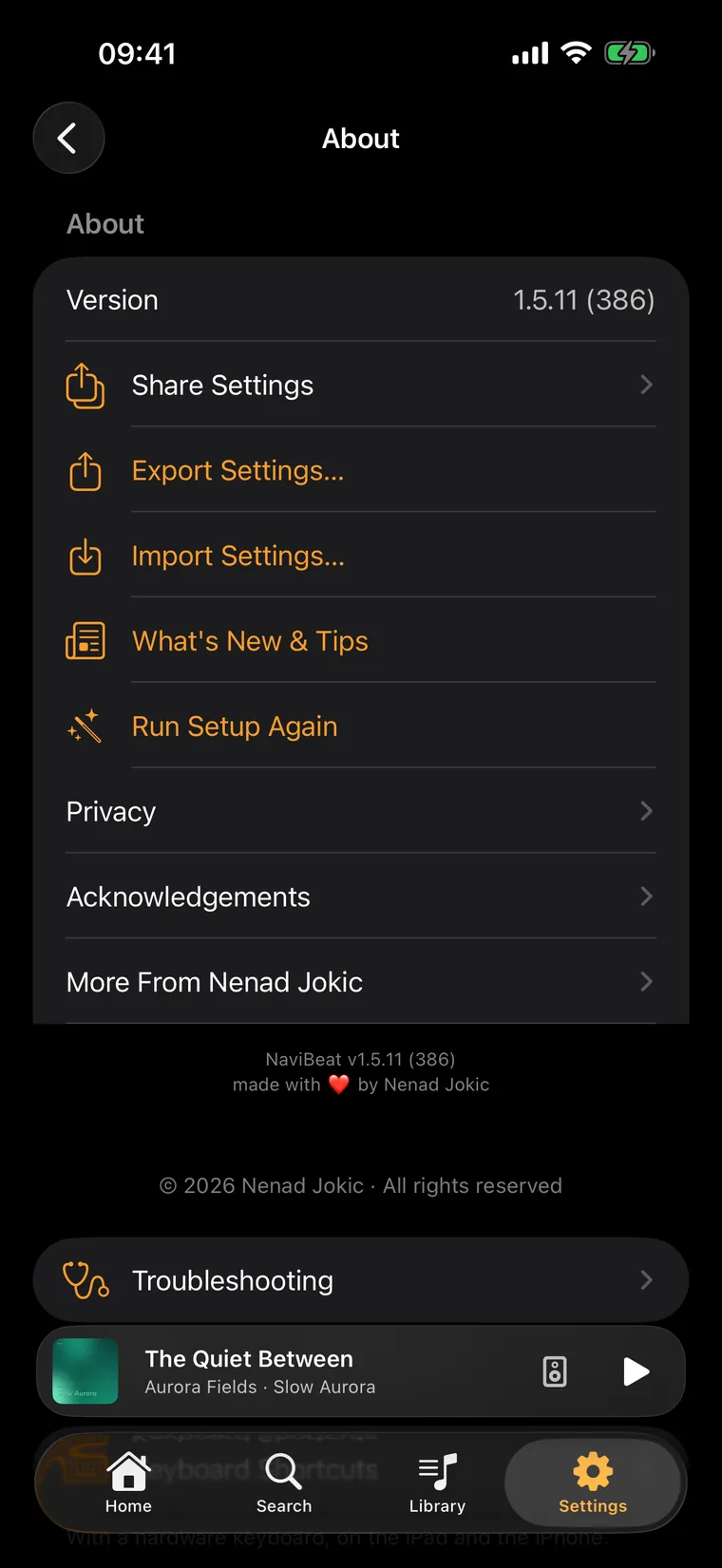
The highlighted row is Import Settings….
Screenshot from iPhone.
What it does
NaviBeat tells you how many settings the file replaces before it applies them. Quit and reopen NaviBeat afterwards so every setting takes effect.
How to change it
- Open Settings.
- Tap About.
- Find Import Settings… and change it.
Good to know
- A backup from a newer version of NaviBeat needs the app updated first.
Checked against the app on 21 November 2026.