Look & Feel
Lets artist pages, album pages and Now Playing take the color of the cover.
WhereSettings›Appearance & Language›Theme & Accent›Look & Feel
iPhoneiPadMacNot on Apple TVNot on Apple Watch
Where it is
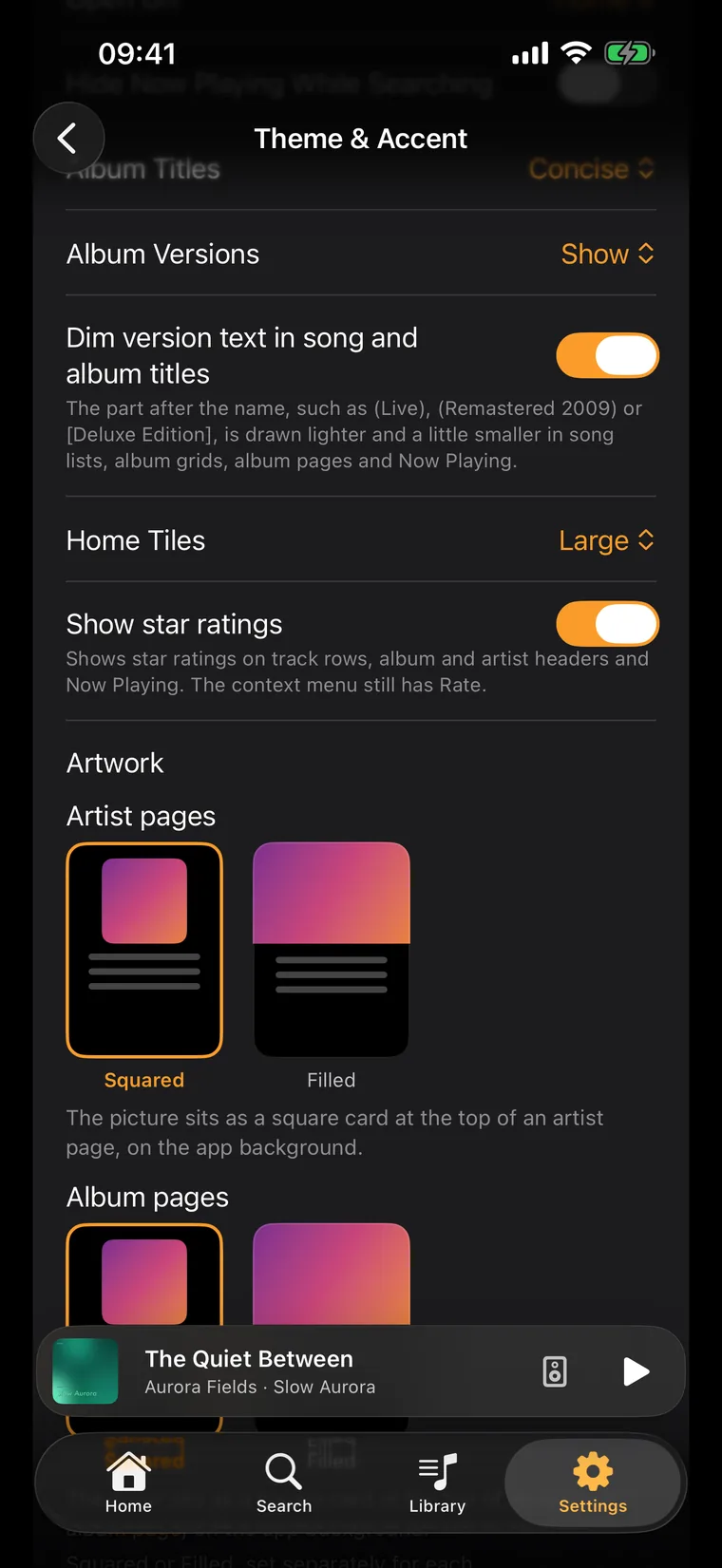
Screenshot from iPhone.
What it does
Pick the background for those pages.
How to change it
- Open Settings.
- Tap Appearance & Language.
- Tap Theme & Accent.
- Find Look & Feel and change it.
Options
| Option | What it does | Default |
|---|---|---|
| Classic | Pages sit on the plain app background. | |
| Artwork color | Pages take the blurred color of the cover. |
Good to know
- Until you pick one, Filled covers use Artwork color and Squared covers use Classic.
- Color intensity sets how strong the color is.
Checked against the app on 20 November 2026.