Offline downloads
How many songs you downloaded and how much space they take.
WhereSettings›Downloads & Storage›Offline downloads
iPhoneiPadMacNot on Apple TVNot on Apple Watch
Where it is
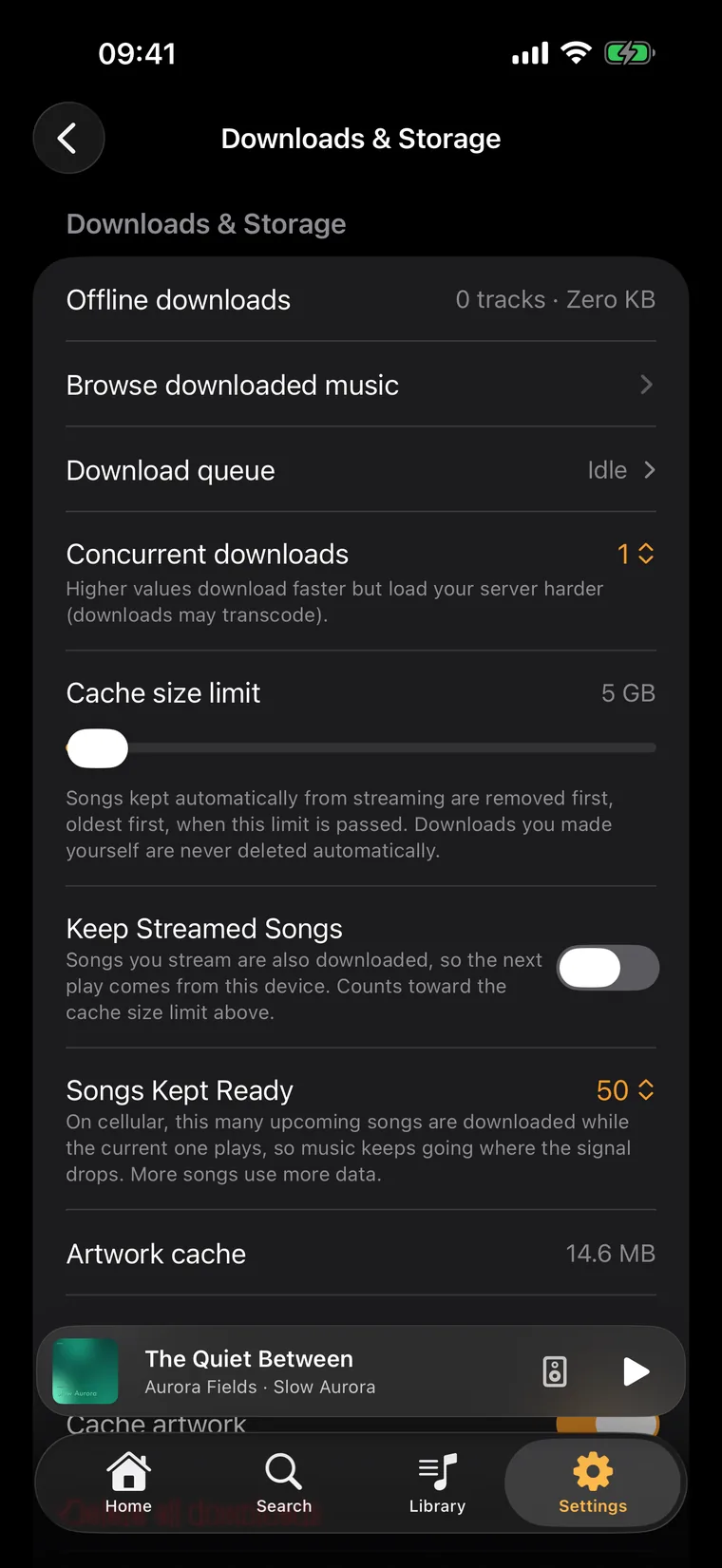
The highlighted row is Offline downloads.
Screenshot from iPhone.
What it does
The row shows the number of downloaded songs and their total size. Remove them with Delete all downloads.
How to change it
- Open Settings.
- Tap Downloads & Storage.
- Find Offline downloads and change it.
Checked against the app on 21 November 2026.