Fit non-square artwork
Shows covers that are not square in full on Now Playing, without cropping.
WhereSettings›Appearance & Language›Now Playing›Fit non-square artwork
iPhoneiPadNot on MacApple TVNot on Apple Watch
Where it is
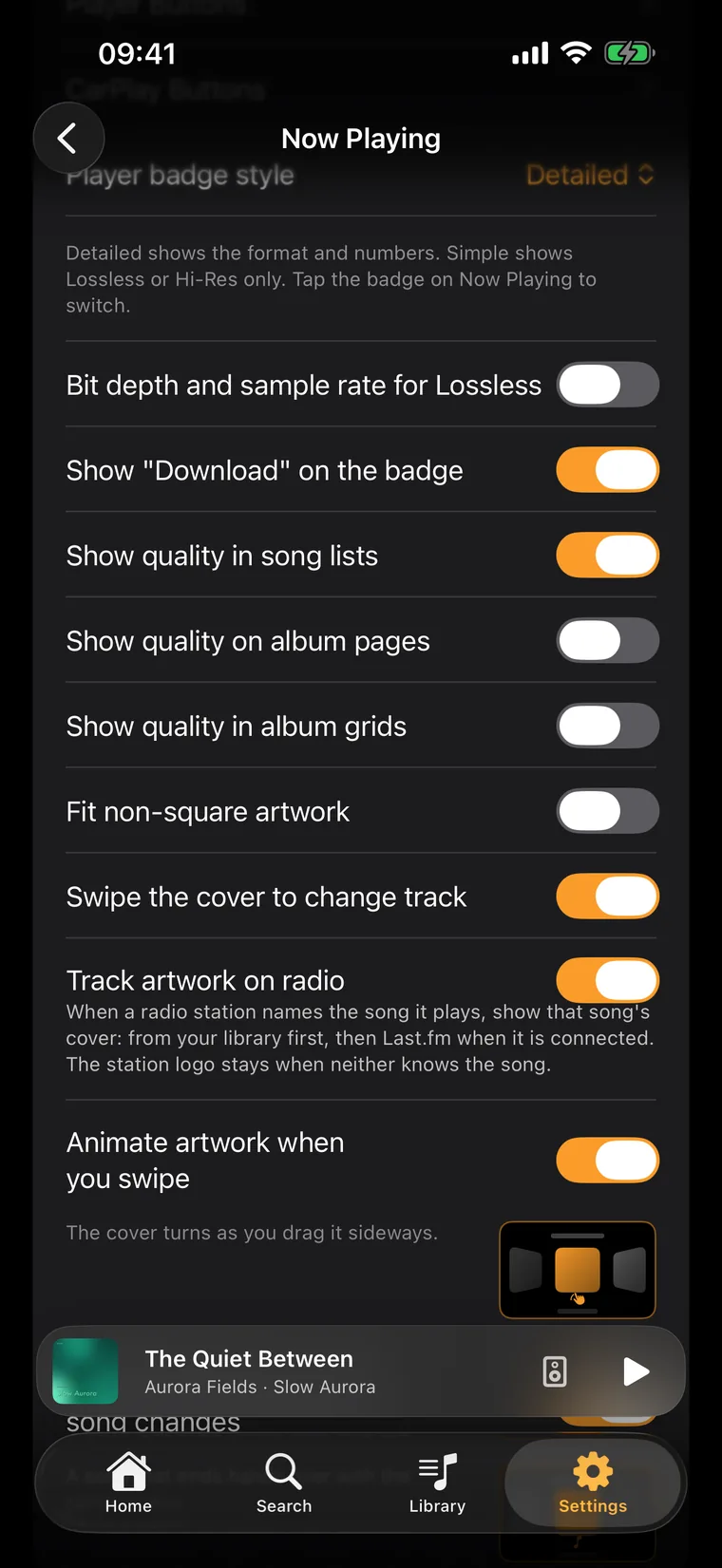
The highlighted row is Fit non-square artwork.
Screenshot from iPhone.
What it does
Some covers are wider or taller than square. With this on, Now Playing fits the whole cover. Off fills the square and crops the edges.
How to change it
- Open Settings.
- Tap Appearance & Language.
- Tap Now Playing.
- Find Fit non-square artwork and change it.
Checked against the app on 21 November 2026.