Keep display awake while playing
Stops the screen from going to sleep while music plays.
WhereSettings›Playback & Audio›Quality & Streaming›Keep display awake while playing
iPhoneiPadMacApple TVNot on Apple WatchDefault: Off
Where it is
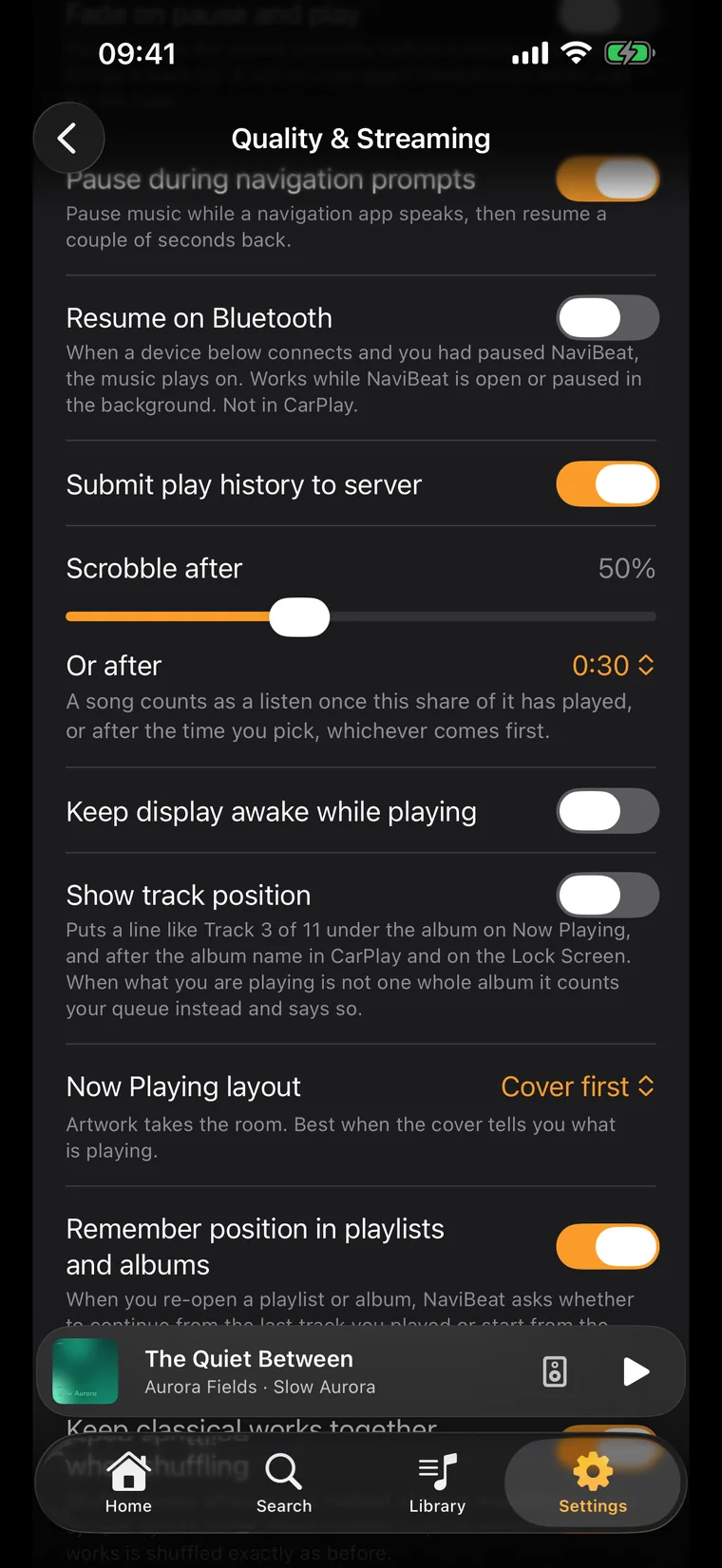
The highlighted row is Keep display awake while playing.
Screenshot from iPhone.
What it does
Useful when NaviBeat sits on a dock or a stand and you want to see Now Playing all the time. The screen sleeps as usual when nothing plays.
How to change it
- Open Settings.
- Tap Playback & Audio.
- Tap Quality & Streaming.
- Find Keep display awake while playing and change it.
Checked against the app on 21 November 2026.