Show track position
Shows a line like Track 3 of 11 on Now Playing, in CarPlay and on the Lock Screen.
WhereSettings›Playback & Audio›Quality & Streaming›Show track position
iPhoneiPadMacApple TVNot on Apple WatchDefault: Off
Where it is
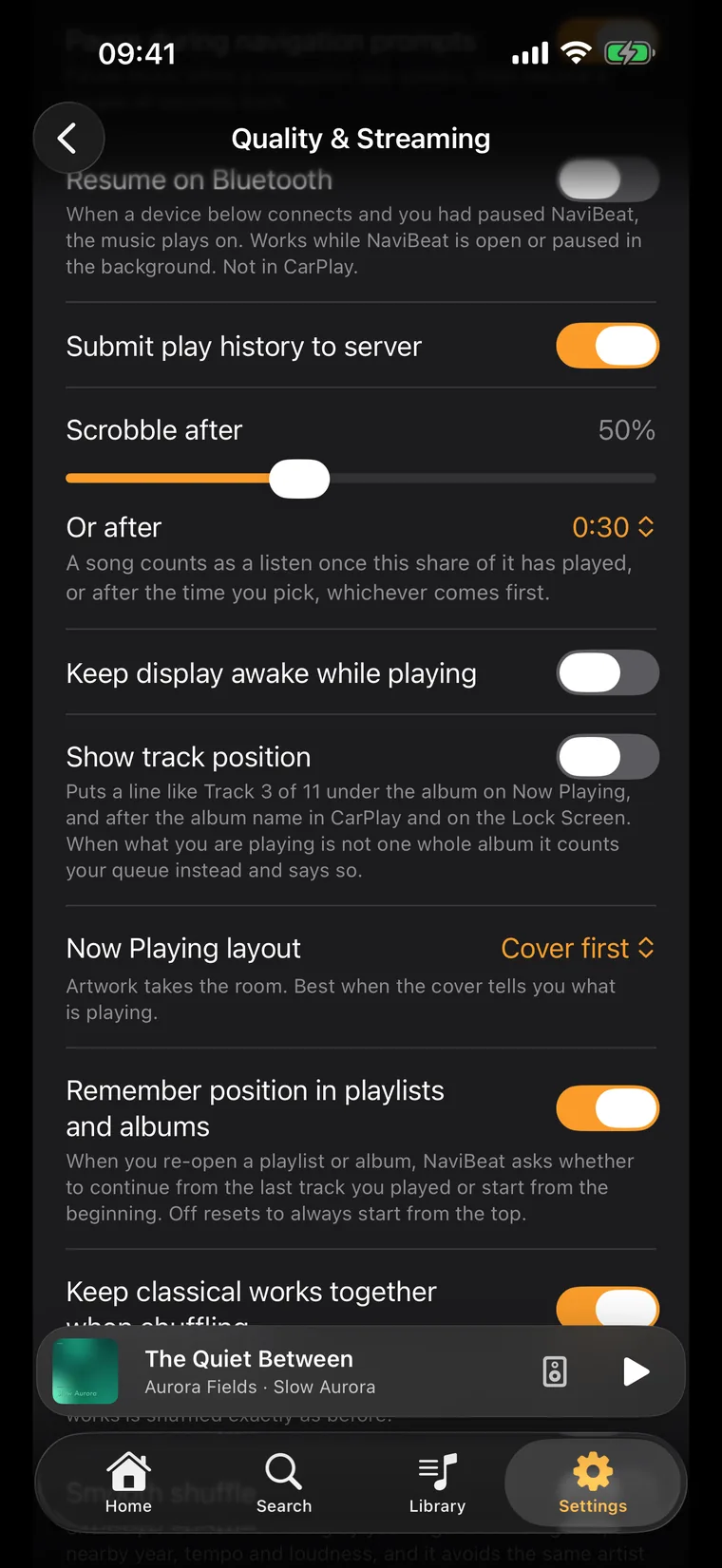
The highlighted row is Show track position.
Screenshot from iPhone.
What it does
The line sits under the album on Now Playing, and after the album name in CarPlay and on the Lock Screen. When you are not playing one whole album, it counts your queue instead and says so.
How to change it
- Open Settings.
- Tap Playback & Audio.
- Tap Quality & Streaming.
- Find Show track position and change it.
Checked against the app on 21 November 2026.