Genre Tree From Tags
Turns layered genre tags like Rock - Metal - Alternative into a genre tree you can browse.
WhereSettings›Appearance & Language›Artists & Albums›Genre Tree From Tags
iPhoneiPadMacNot on Apple TVNot on Apple WatchDefault: Off
Where it is
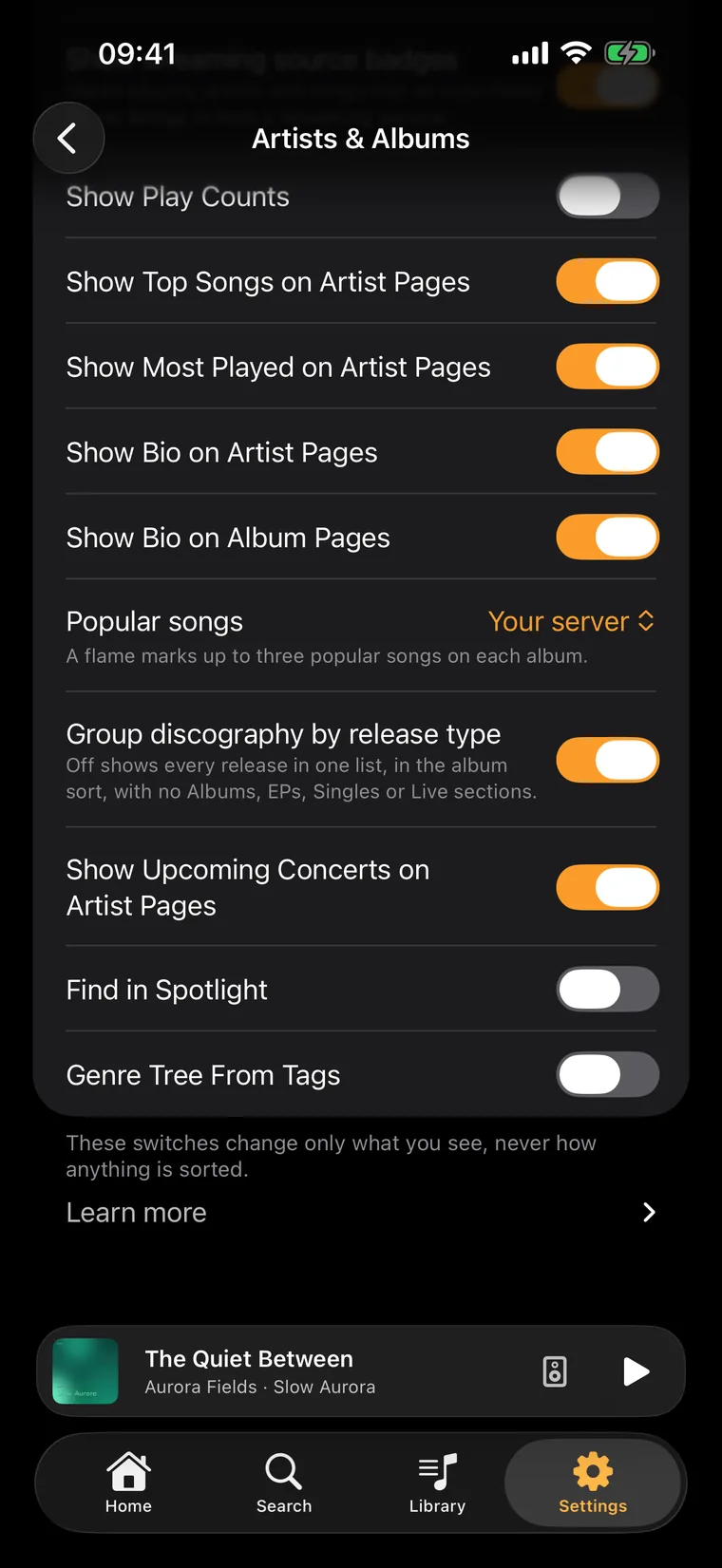
The highlighted row is Genre Tree From Tags.
Screenshot from iPhone.
What it does
Each genre tag is split into levels, so you browse from Rock to Metal to Alternative. Tags without the separator are left alone.
Split On picks how levels are marked: one repeated Separator, or Symbols when your tags start each level with a symbol.
How to change it
- Open Settings.
- Tap Appearance & Language.
- Tap Artists & Albums.
- Find Genre Tree From Tags and change it.
Checked against the app on 21 November 2026.