Scrobble after
How much of a song has to play before it counts as a listen.
WhereSettings›Playback & Audio›Quality & Streaming›Scrobble after
iPhoneiPadMacApple TVNot on Apple Watch
Where it is
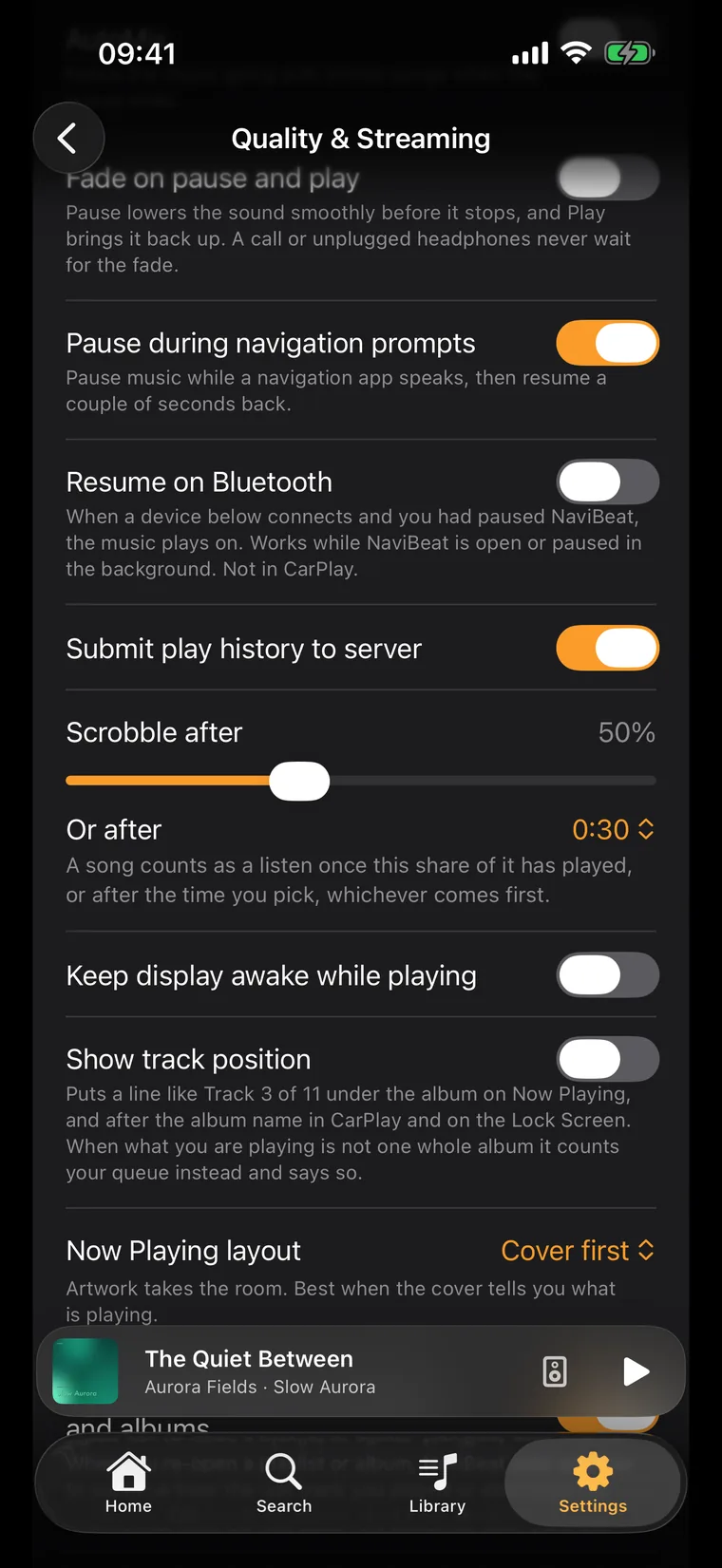
The highlighted row is Scrobble after.
Screenshot from iPhone.
What it does
A song counts once the share you pick has played, or after the time you pick, whichever comes first. The share goes from 25% to 90%, the time from 0:30 to 4:00.
How to change it
- Open Settings.
- Tap Playback & Audio.
- Tap Quality & Streaming.
- Find Scrobble after and change it.
Options
| Option | What it does | Default |
|---|---|---|
| Scrobble after | Share of the song. | 50% |
| Or after | A fixed time. | 4:00 |
Checked against the app on 20 November 2026.