ListenBrainz
Connect ListenBrainz for your listen stats, Weekly and Daily Jams, and loved songs.
WhereSettings›Scrobbling & Stats›ListenBrainz
iPhoneiPadMacApple TVNot on Apple Watch
Where it is
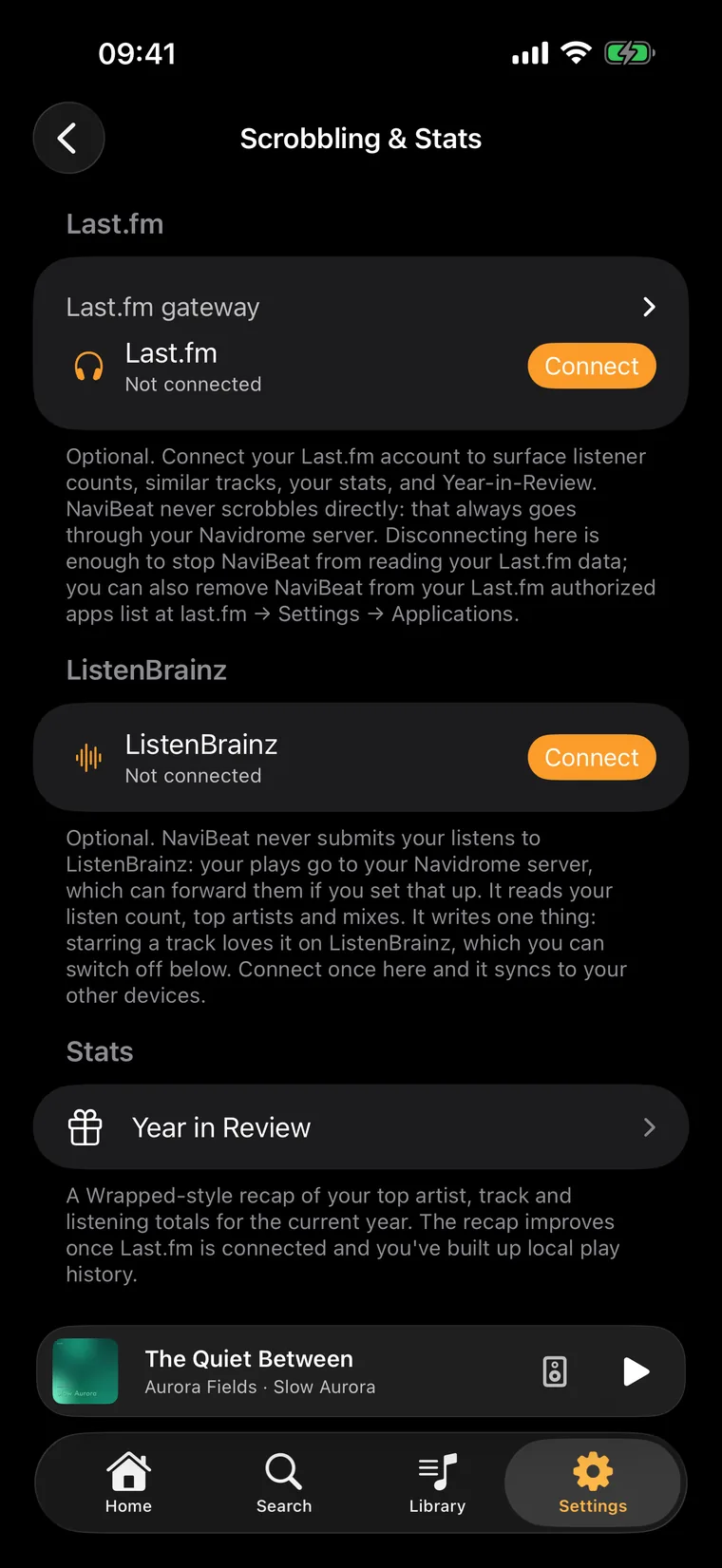
The highlighted row is ListenBrainz.
Screenshot from iPhone.
What it does
ListenBrainz is optional and free. NaviBeat reads your listen count, top artists and mixes. It writes one thing: favoriting a song loves it on ListenBrainz, which you can switch off.
NaviBeat never submits your listens. Your plays go to your Navidrome server, which can forward them to ListenBrainz if you set that up.
How to change it
- Open Settings.
- Tap Scrobbling & Stats.
- Find ListenBrainz and change it.
Good to know
- Connect once and it syncs to your other devices.
Checked against the app on 21 November 2026.