Shuffle Exclusions
Keeps albums, artists or genres out of Random Picks, Shuffle Mix and Album Radio, all year or outside dates you pick.
WhereSettings›Server & Library›Shuffle Exclusions
iPhoneiPadMacNot on Apple TVNot on Apple Watch
Where it is
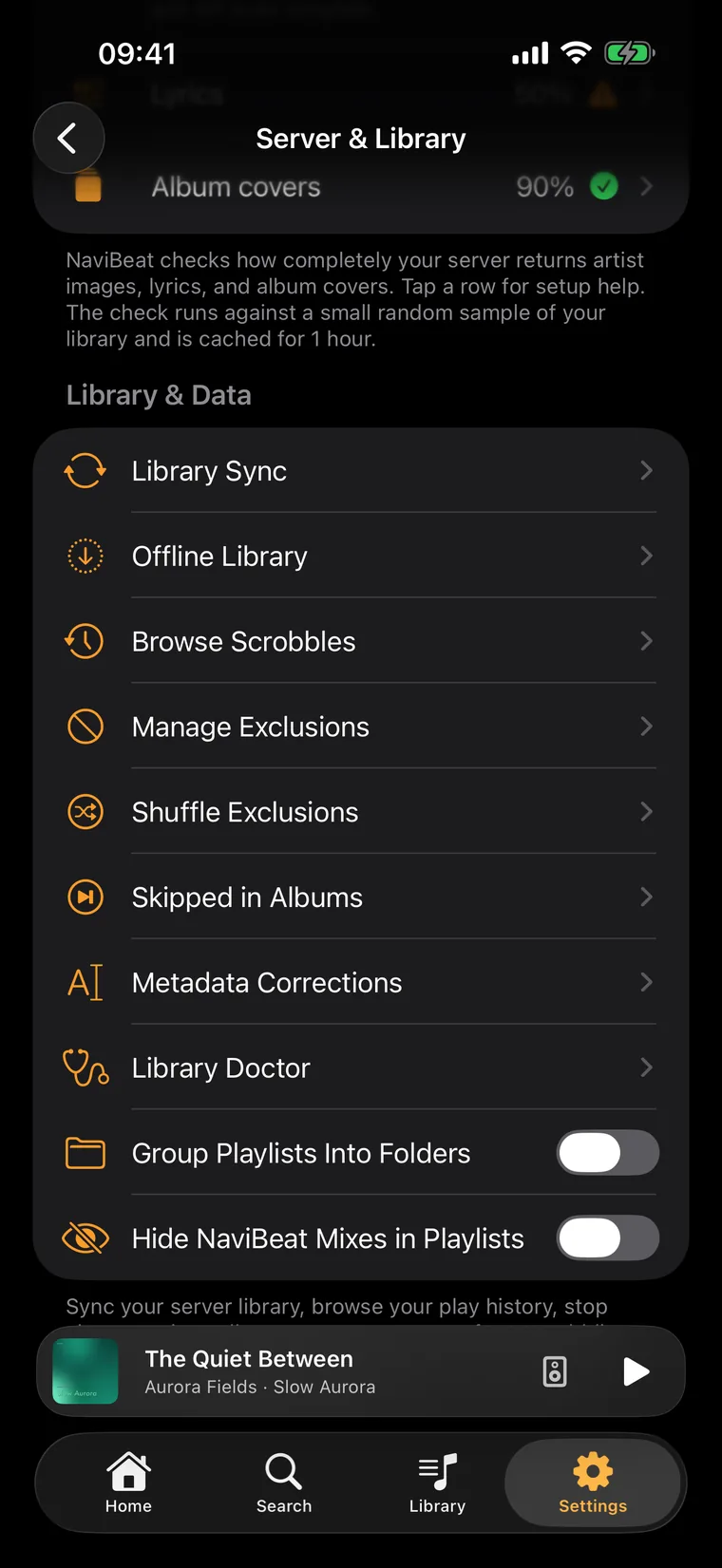
The highlighted row is Shuffle Exclusions.
Screenshot from iPhone.
What it does
Long-press an album or artist and choose Exclude from Shuffle. It still plays in full when you pick it yourself.
Type a genre under Exclude a genre to keep every song and album with that genre out of shuffle.
Open any rule and turn on Only between to let it back into shuffle only between two dates, every year (for example Christmas music only in December).
The same screen lists songs you chose to skip: long-press a song and choose Skip this song when the album plays.
How to change it
- Open Settings.
- Tap Server & Library.
- Find Shuffle Exclusions and change it.
Checked against the app on 20 November 2026.