Only away from home
Streams as usual on your home network, and plays downloads everywhere else.
WhereSettings›Playback & Audio›Quality & Streaming›Only away from home
iPhoneiPadMacNot on Apple TVNot on Apple WatchDefault: Off
Where it is
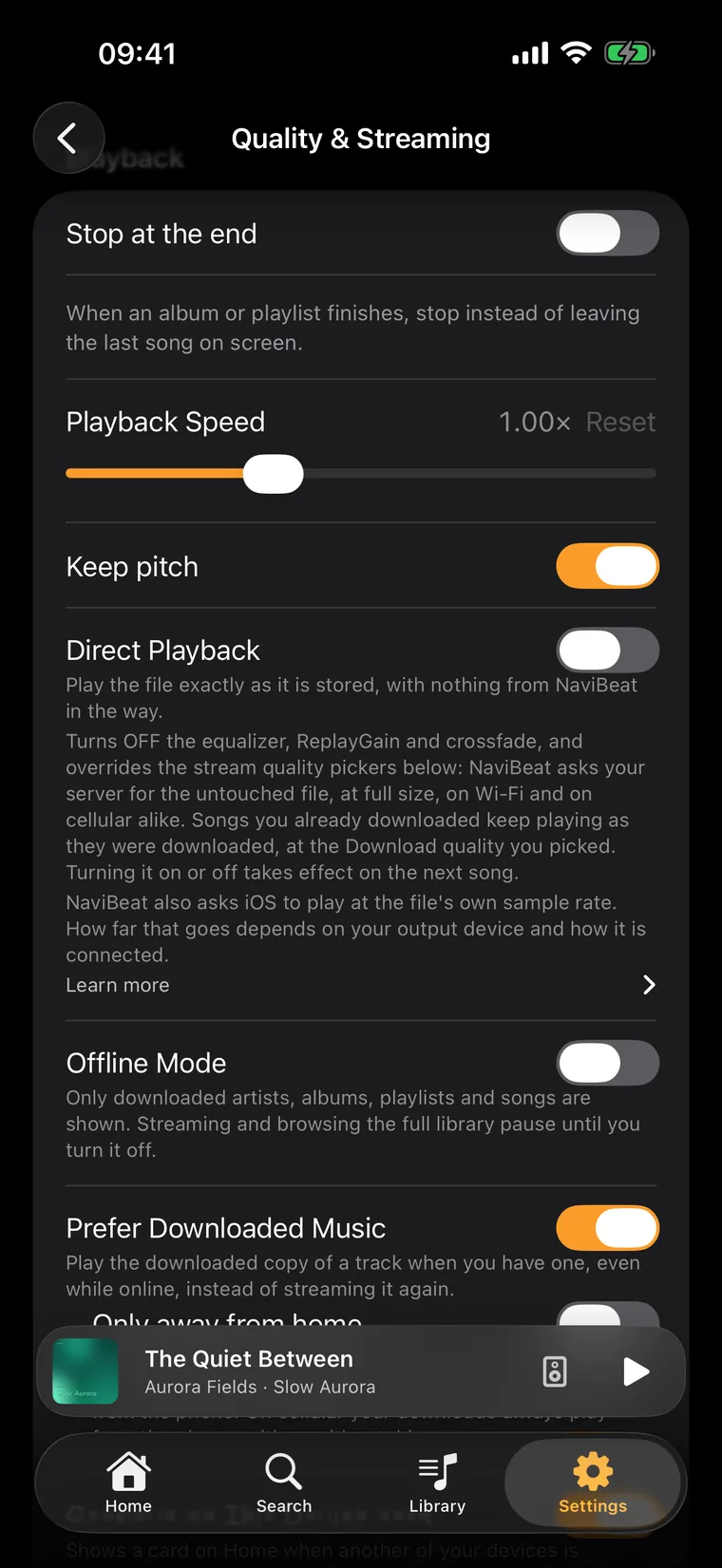
The highlighted row is Only away from home.
Screenshot from iPhone.
What it does
On your home network NaviBeat streams, so your quality settings still apply. Anywhere else, a downloaded song plays from the device.
On cellular your downloads always play from the device, with or without this switch.
How to change it
- Open Settings.
- Tap Playback & Audio.
- Tap Quality & Streaming.
- Find Only away from home and change it.
Good to know
- The switch appears once Prefer Downloaded Music is on.
- It needs NaviBeat to have reached your server once from your home network, or a home network address saved under Server. Until then it is greyed out.
Checked against the app on 21 November 2026.