Offline Library
Keeps your music on this device, so it plays without internet.
WhereSettings›Server & Library›Offline Library
iPhoneiPadMacNot on Apple TVNot on Apple Watch
Where it is
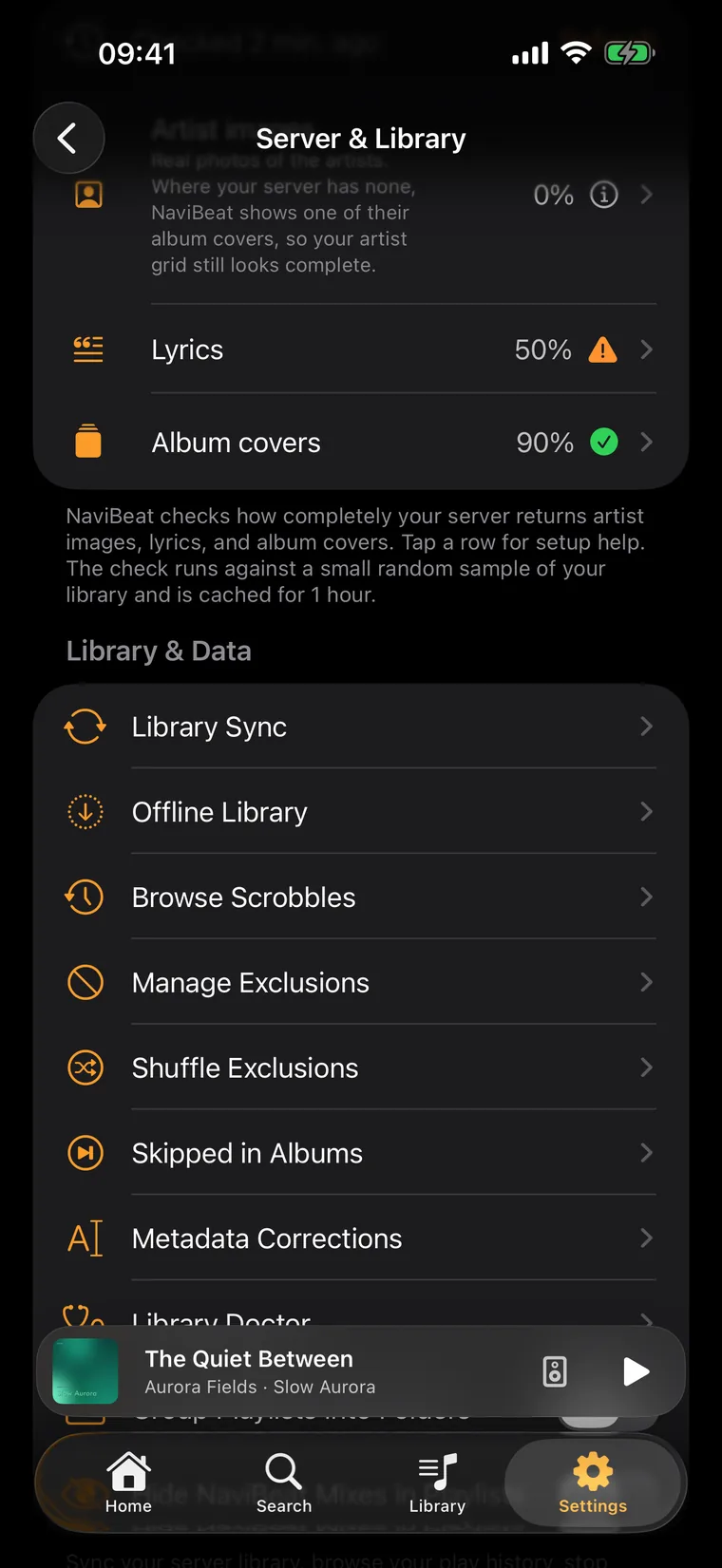
The highlighted row is Offline Library.
Screenshot from iPhone.
What it does
Turn on Download my music and NaviBeat downloads new albums on its own. Nothing is ever deleted by it.
Under Library info, NaviBeat can also keep the names, album info and covers on the device, for fast browsing without a connection.
How to change it
- Open Settings.
- Tap Server & Library.
- Find Offline Library and change it.
Checked against the app on 21 November 2026.