Resume with Shortcuts
Starts NaviBeat when your Bluetooth device connects, even when the app is closed.
WhereSettings›Playback & Audio›Quality & Streaming›Resume on Bluetooth›Resume with Shortcuts
iPhoneiPadNot on MacNot on Apple TVNot on Apple Watch
Where it is
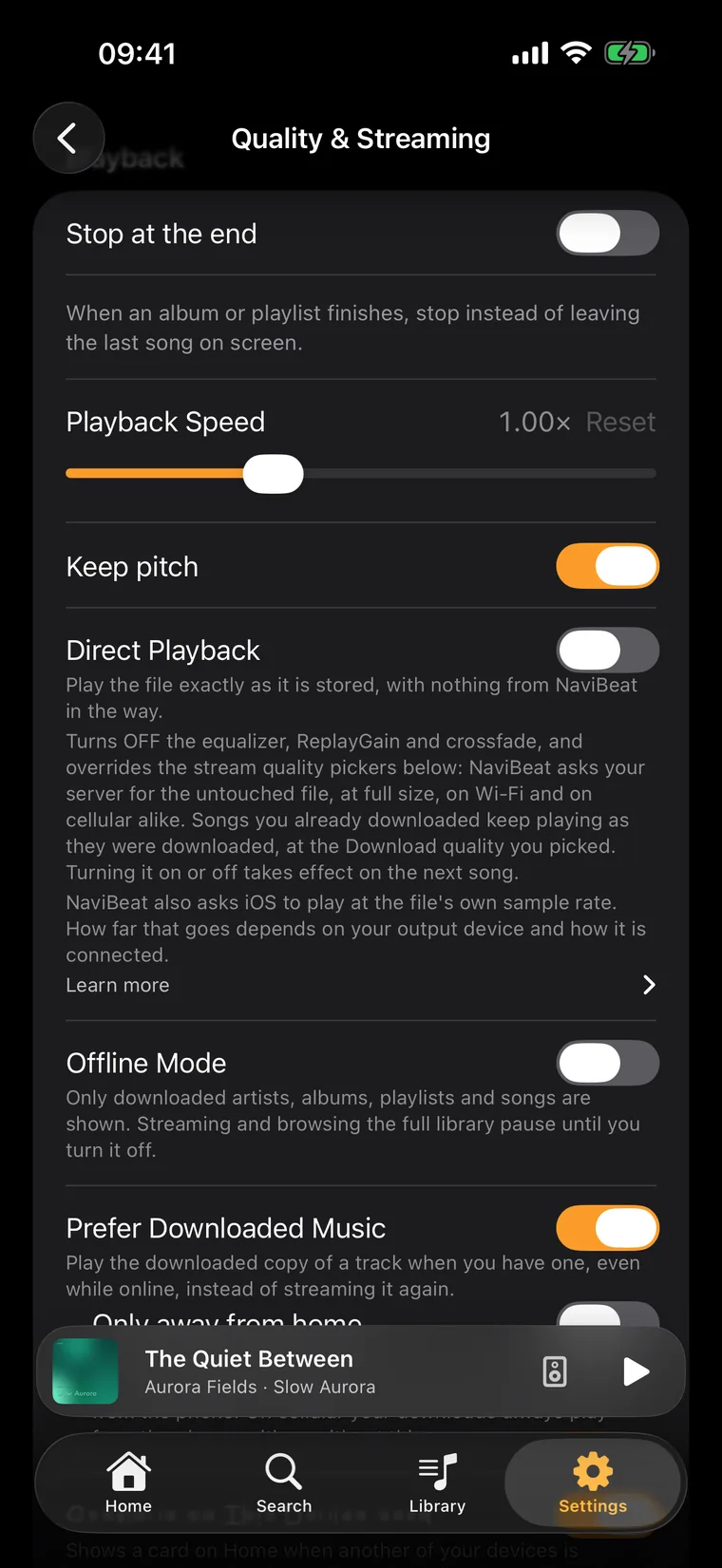
Screenshot from iPhone.
What it does
iOS does not start a closed app by itself. The Shortcuts app can: it runs an automation when a Bluetooth device connects.
How to change it
- Open the Shortcuts app and go to Automation.
- Create a Bluetooth automation for your headphones or speaker.
- Set it to run without asking.
- Add the NaviBeat action Resume.
Checked against the app on 20 November 2026.