Status
Whether NaviBeat can reach your server right now.
WhereSettings›Server & Library›Status
iPhoneiPadMacApple TVNot on Apple Watch
Where it is
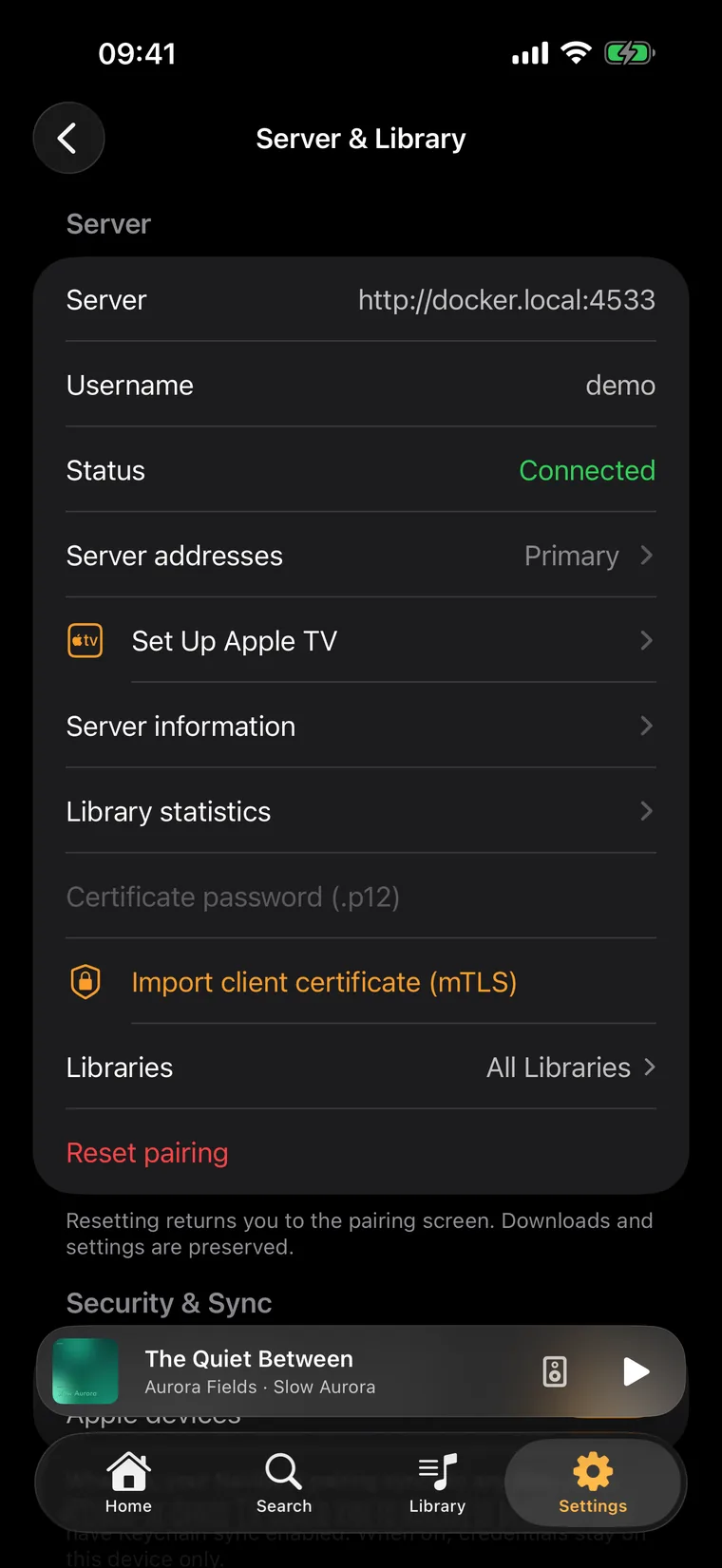
The highlighted row is Status.
Screenshot from iPhone.
What it does
Connected means the server answers. Unreachable means NaviBeat cannot reach it at the moment. Checking… is shown while it tries.
How to change it
- Open Settings.
- Tap Server & Library.
- Find Status and change it.
Good to know
- Unreachable at home but fine away, or the other way round? Check Server addresses.
Checked against the app on 21 November 2026.