Album Titles
Shows long album titles on one line or in full.
WhereSettings›Appearance & Language›Theme & Accent›Album Titles
iPhoneiPadMacNot on Apple TVNot on Apple Watch
Where it is
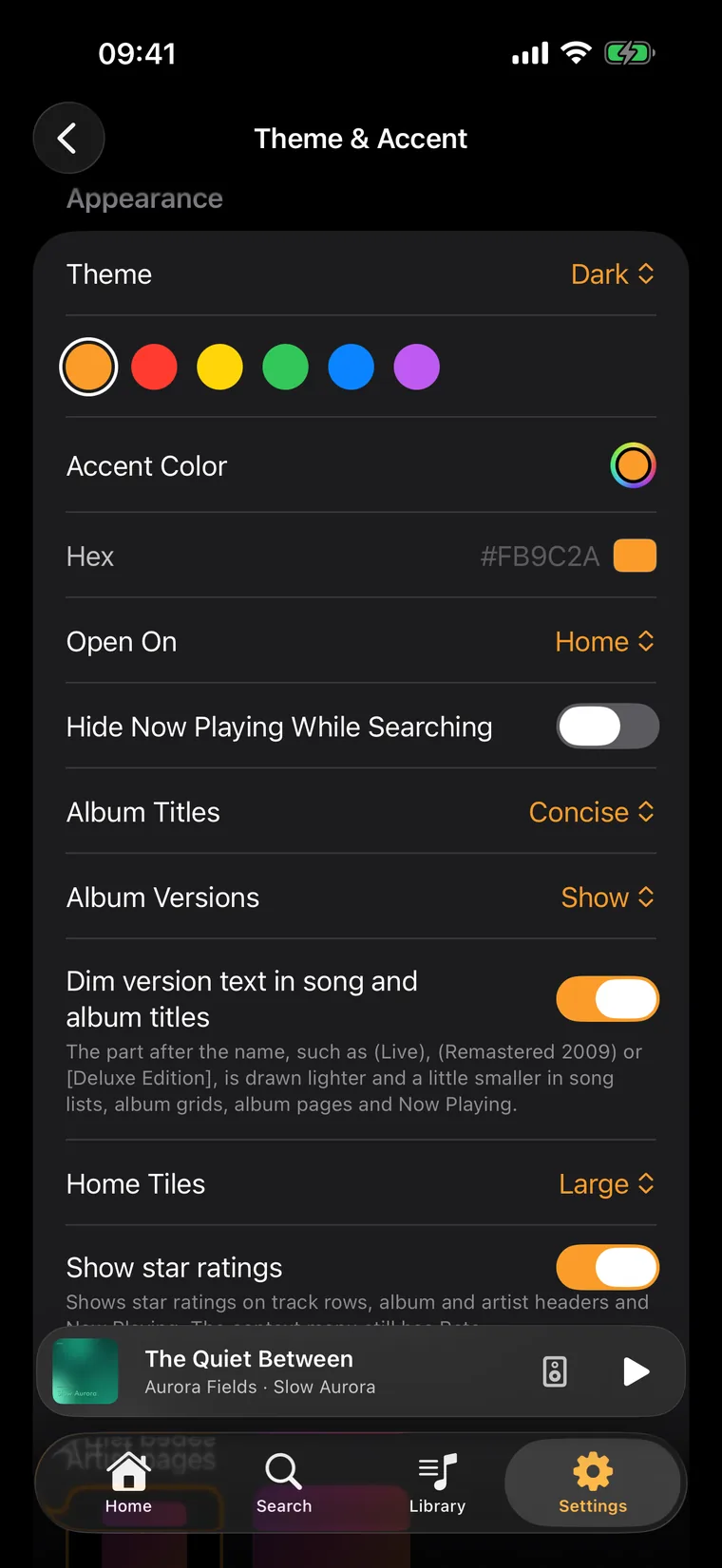
The highlighted row is Album Titles.
Screenshot from iPhone.
How to change it
- Open Settings.
- Tap Appearance & Language.
- Tap Theme & Accent.
- Find Album Titles and change it.
Options
| Option | What it does | Default |
|---|---|---|
| Concise | Long titles and artist names are cut to one line. | Yes |
| Extended | Titles and artist names wrap over as many lines as they need. |
Checked against the app on 21 November 2026.