Listen Together
Lets friends on the same Wi-Fi add songs to what you are playing.
WhereSettings›Playback & Audio›Quality & Streaming›Listen Together
iPhoneiPadMacNot on Apple TVNot on Apple Watch
Where it is
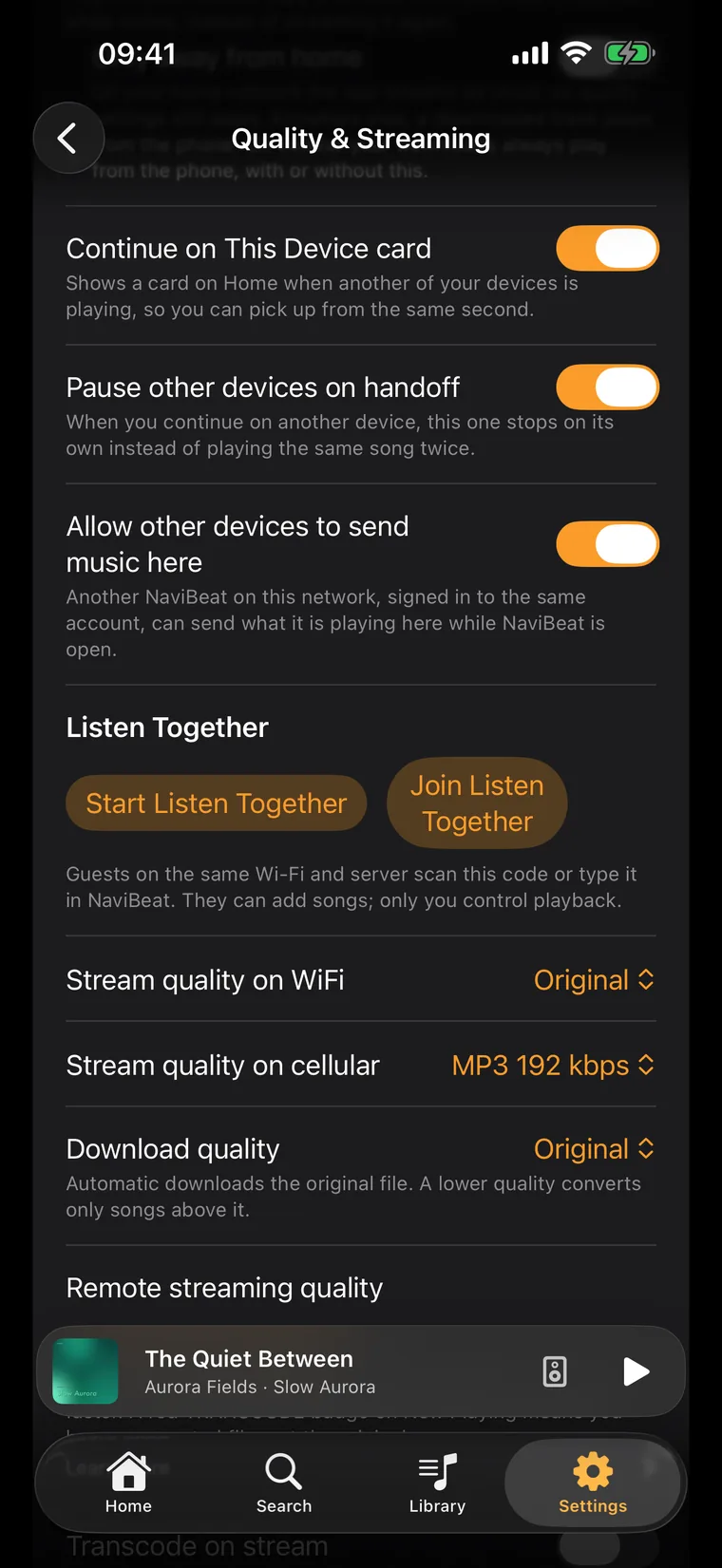
The highlighted row is Listen Together.
Screenshot from iPhone.
What it does
Start Listen Together and NaviBeat shows a code. Guests on the same Wi-Fi and the same server scan it or type it in their NaviBeat. They can add songs to the queue, and only you control playback.
Use Join Listen Together to join someone else's session.
How to change it
- Open Settings.
- Tap Playback & Audio.
- Tap Quality & Streaming.
- Find Listen Together and change it.
Options
| Option | What it does | Default |
|---|---|---|
| Start Listen Together | Starts a session on this device and shows its code. | |
| Join Listen Together | Joins a session by its code. |
Checked against the app on 20 November 2026.