Last.fm
Connect your Last.fm account for listener counts, similar music, your stats, mixes and Year in Review.
WhereSettings›Scrobbling & Stats›Last.fm
iPhoneiPadMacApple TVApple Watch
Where it is
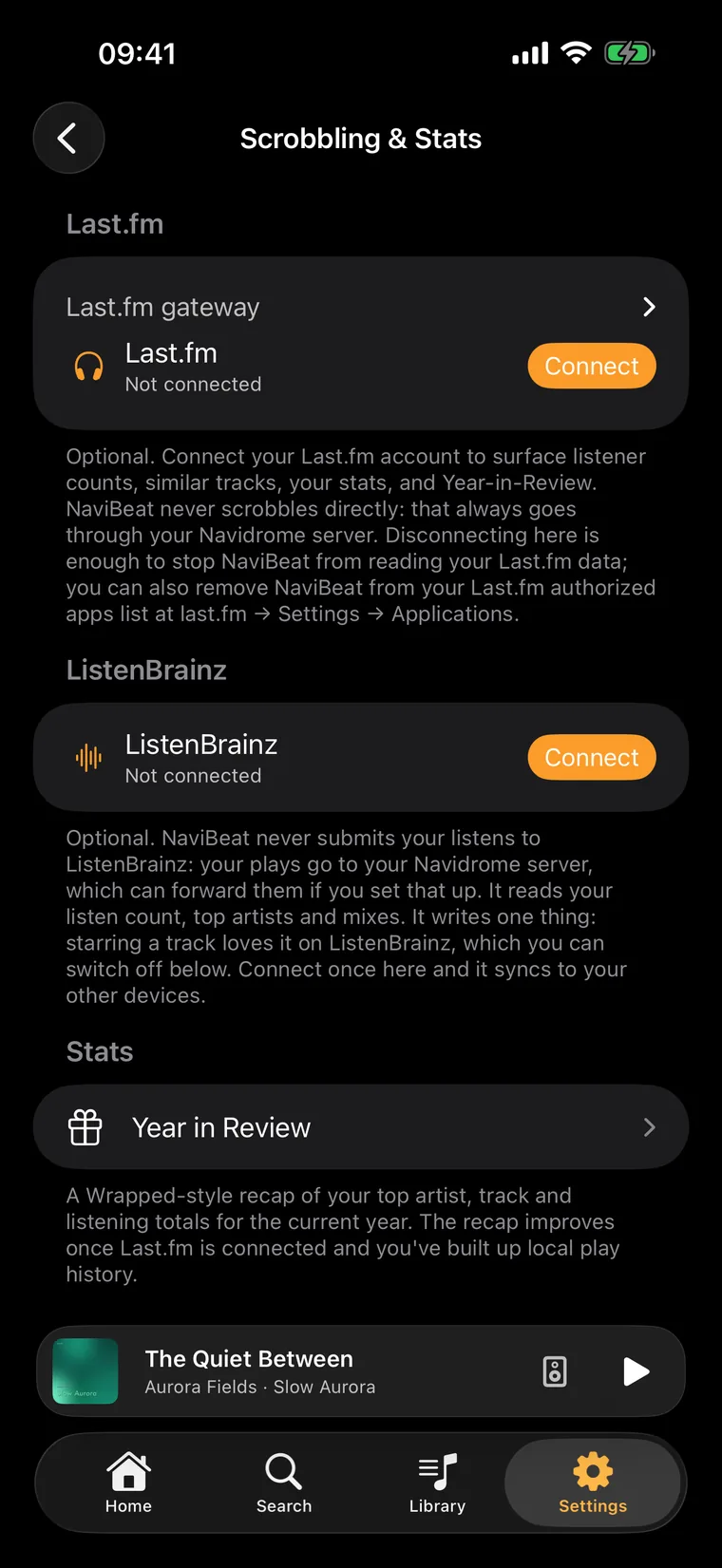
The highlighted row is Last.fm.
Screenshot from iPhone.
What it does
Last.fm is optional. Once connected, NaviBeat reads your Last.fm data back into the player: listener counts, similar songs and artists, your top artists and songs, and Discover Mix.
NaviBeat never scrobbles to Last.fm by itself. Your plays go to your Navidrome server, which forwards them to Last.fm if you set that up in Navidrome.
How to change it
- Open Settings and tap Scrobbling & Stats.
- Tap Last.fm and sign in on last.fm.
- Come back to NaviBeat. The switches under it choose what Last.fm adds.
Good to know
- Disconnecting stops NaviBeat from reading your Last.fm data. You can also remove NaviBeat at last.fm, Settings, Applications.
Checked against the app on 21 November 2026.